 Kosken
How Kosken handles an incident, from signal to checked fix
Kosken is an AI SRE for Linux fleets. It watches your servers, finds the cause of an incident, and can run a fix. This post follows one incident through each step. It also shows who does the work in each step: a model, code, or a person.
The rule behind the design is short. Models write text. Code decides what runs on a machine.
1. A signal fails
An agent runs on each machine and reports signals. A person defines monitors for one or more machines. A monitor can watch a service, a port, a URL, a container, disk, CPU, memory, load, failed systemd units, a log pattern, a certificate, or a read-only command.
When a check fails a number of times in a row, a rule in the server opens an incident. This step is code. No model takes part.
2. Triage
A model reads the signal and proposes a severity and a class. A safety classifier then checks the output of the model.
3. Diagnosis
A model reads evidence from the machine through read-only tools and writes the cause. This is the root cause analysis. A specialist can help with the diagnosis. A specialist never executes and never approves, and delegation goes one level deep.
The model has no tool that closes an incident. Its diagnosis can end with conclude, which takes no action.
4. The report
A model writes the report. The report cites evidence IDs. A check compares each claim with the cited evidence and flags each claim that has no evidence. Text that repeats the prompt is blocked.
5. The gates
If a fix is needed, the model selects a recipe from a closed catalog. A recipe is a signed JSON document. Each step is a fixed list of arguments with typed parameters. No step is a shell string. The model can fill the parameters. It cannot write a new step.
The proposal then goes through five gates. All of them are code. Each answer is allow, ask, or deny, and each answer is written on the timeline of the incident.
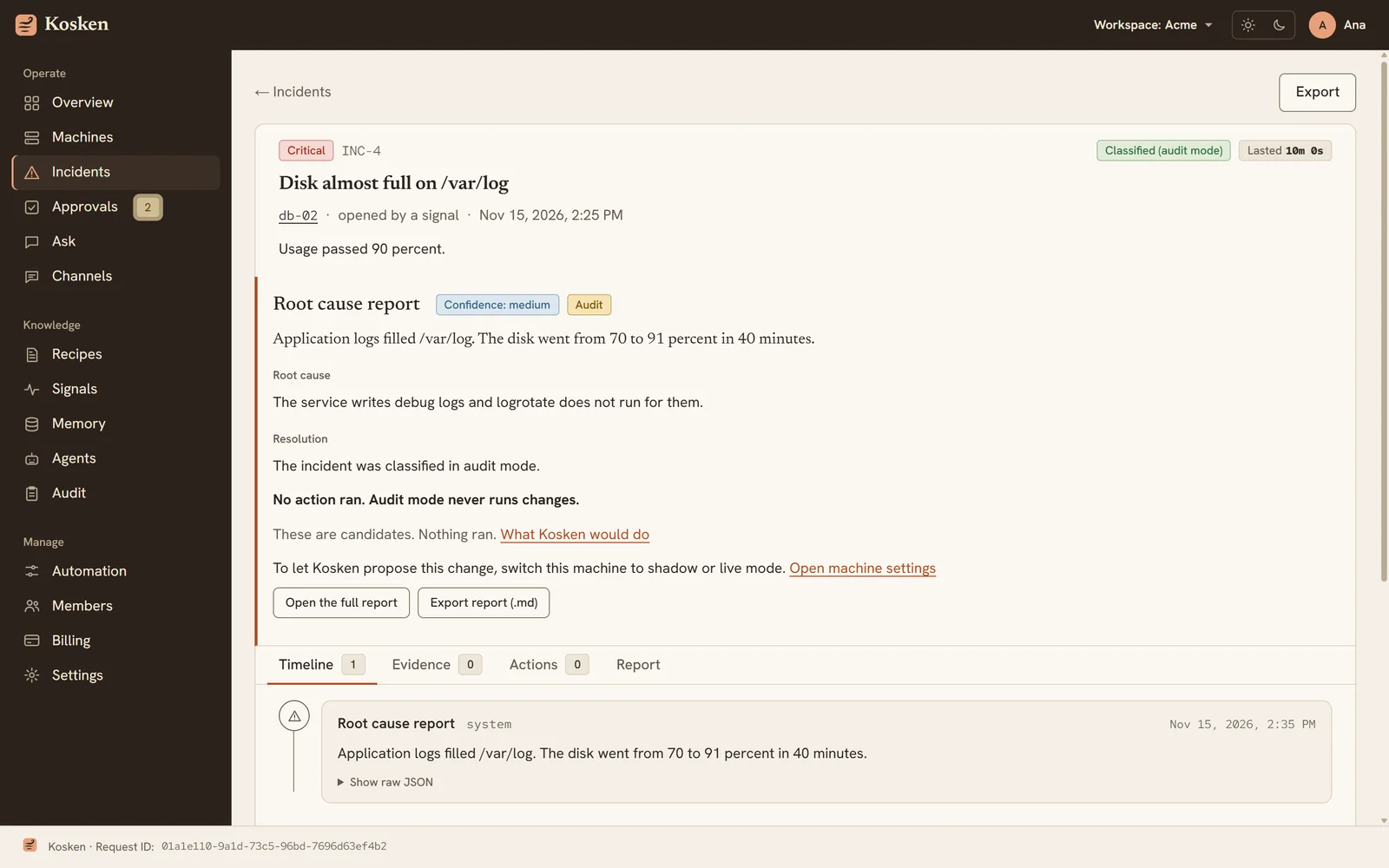
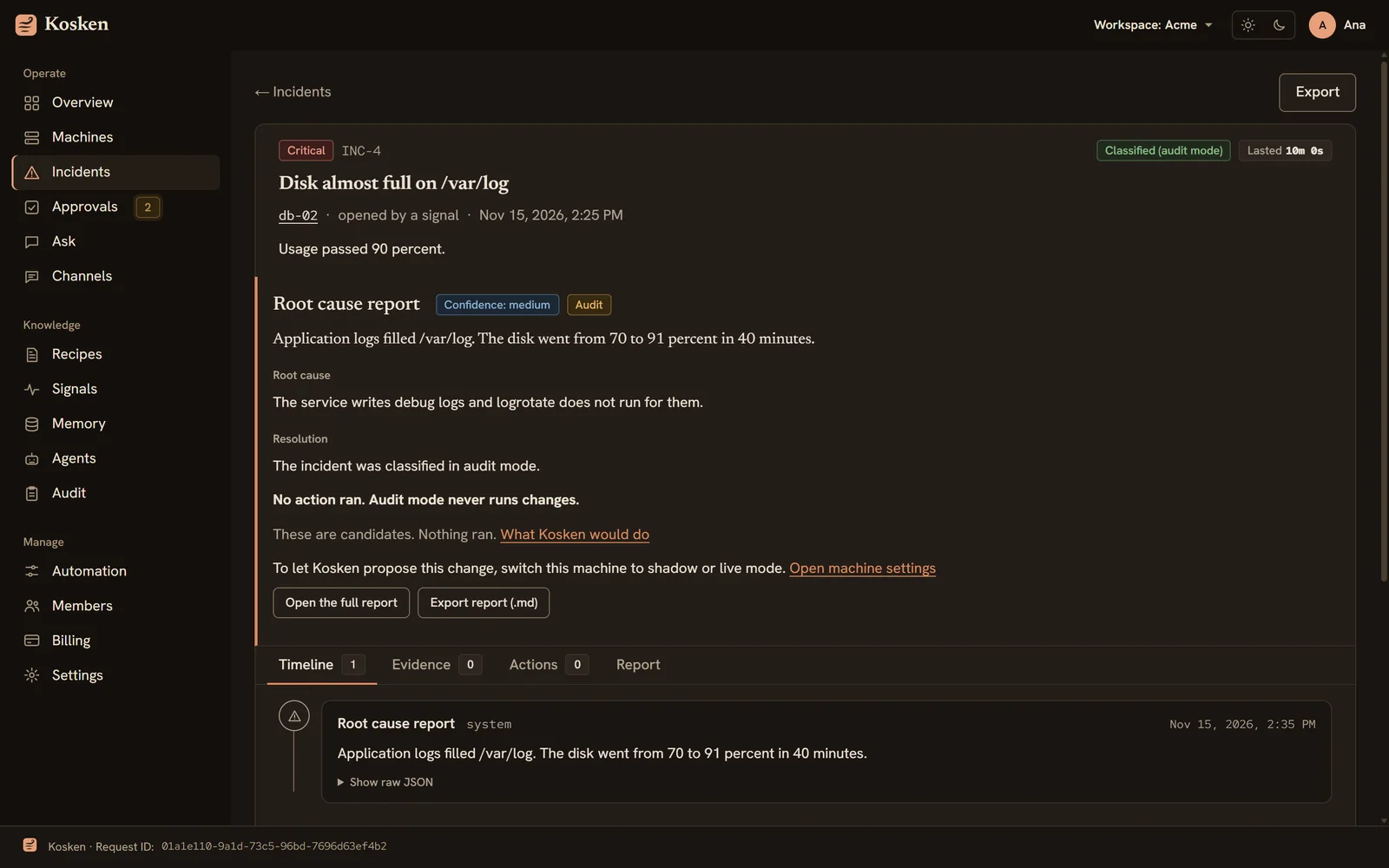
- Gate 1 reads the effective mode of the machine. Audit mode denies.
- Gate 4 checks that the recipe is in the signed catalog, that the parameters have the right form, and that the machine is online. It also checks the precondition of the recipe against the facts that the server stores about the machine. Those facts can be old, so a failed precondition there asks a person. It does not deny.
- The Guardian reads the rendered steps. It can raise the risk. It cannot lower it.
- Gate 2 reads the trust of the recipe on that machine.
- Gate 5 is a safety classifier. It reads the recipe and the machine, never the diagnosis.
- Gate 3 combines the answers. In live mode, a low-risk recipe with trust on that machine runs without a person. Any other case asks a person.
When the gates deny the action, the incident goes to a person at once, with the recipe and the reason. A refused action does not wait in silence.
6. A person approves
When a gate asks, the request goes to the Approvals page. The page shows the recipe, the parameters, the risk, the reasons, and the answers of the Guardian and the safety classifier. Each recipe page also shows the steps, the dry run, the verify step, the digest, and the signature state. A person can read all of it before the recipe runs.
7. The executor runs the recipe
A separate root process on the machine runs the recipe. Its systemd unit sets PrivateNetwork=yes and RestrictAddressFamilies=AF_UNIX, so it cannot reach the network. It receives the order on a local socket. It verifies the signature of the order and of the recipe with keys built into its binary. Then it runs the dry run, the steps, and the verify step.
The agent that talks to the server never runs commands. The agent does not hold the signing keys, so a compromised agent cannot make the executor run an unsigned recipe.
8. The fix is checked
After the recipe runs, its verify step checks the machine. Then Kosken checks that the signals cleared. Only then is the incident resolved.
One real run
The whitepaper shows incident 32. It ran on a test machine of the authors on 15 November 2026. A container stopped. The container monitor failed 3 times in a row and opened the incident. The diagnosis proposed the recipe docker.start. A gate asked for approval, and a person approved it.
These are the times of that one run:
| Stage | Who | Time |
|---|---|---|
| From the stop of the container to the incident | machine, code | 39 s |
| Triage | model | 3 s |
| Diagnosis, with the gates | model, code | 19 s |
| Approval | person | 17 s |
| Executor | machine | 2 s |
| Check of the fix | code | 12 s |
From the stop of the container to the resolved incident: about 93 seconds. These are the times of one run, not an average.
Start by watching
Every machine starts in audit mode. Audit mode reads and reports. It changes nothing. Shadow mode shows what Kosken would do, with a dry run. Live mode runs approved recipes under your approval rules. You move a machine up when you trust what you saw.
The whitepaper explains the principles and the architecture in more detail. Kosken is free for up to 5 machines. To try it, open your workspace.