 Kosken
Backups to storage that you own
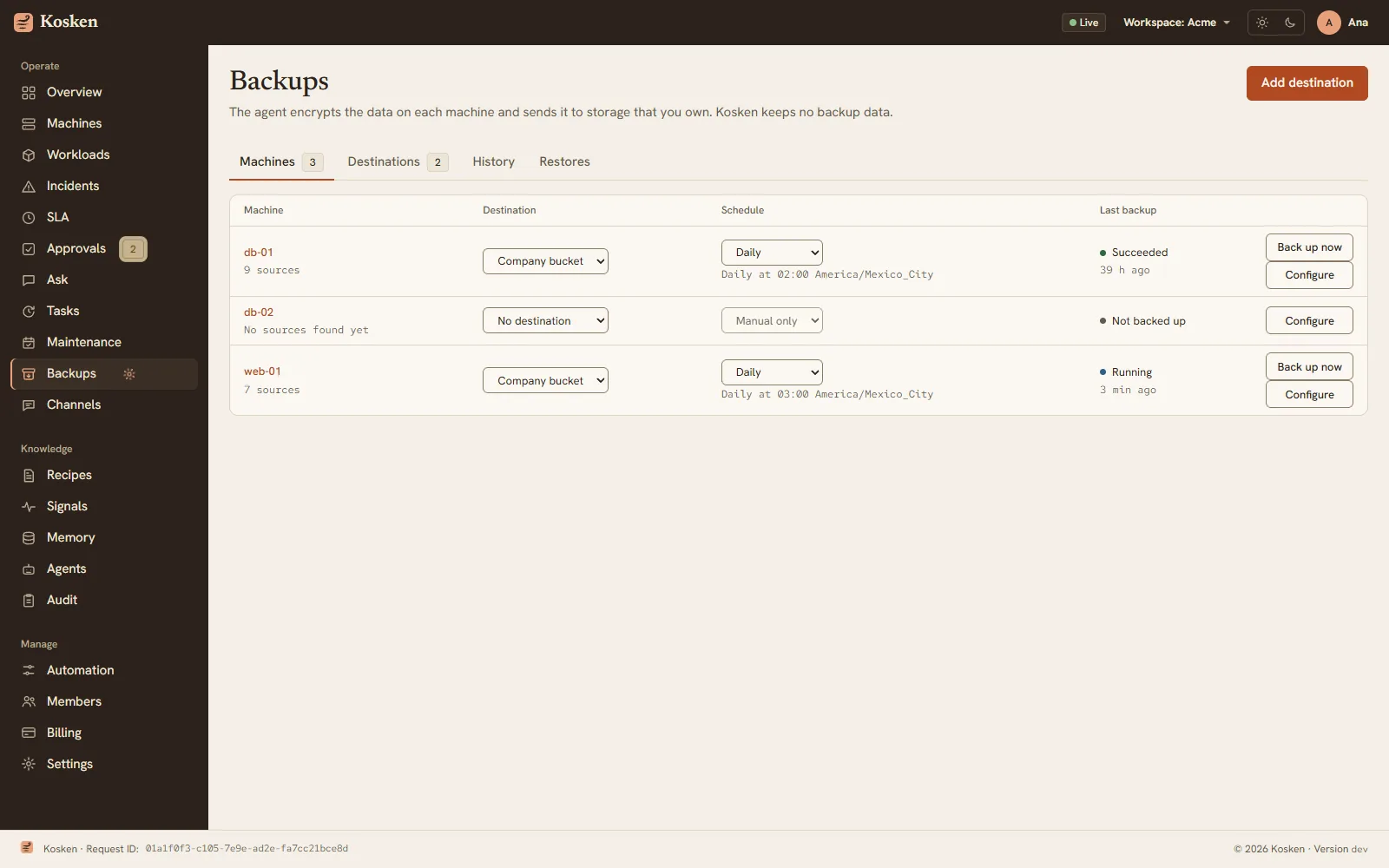
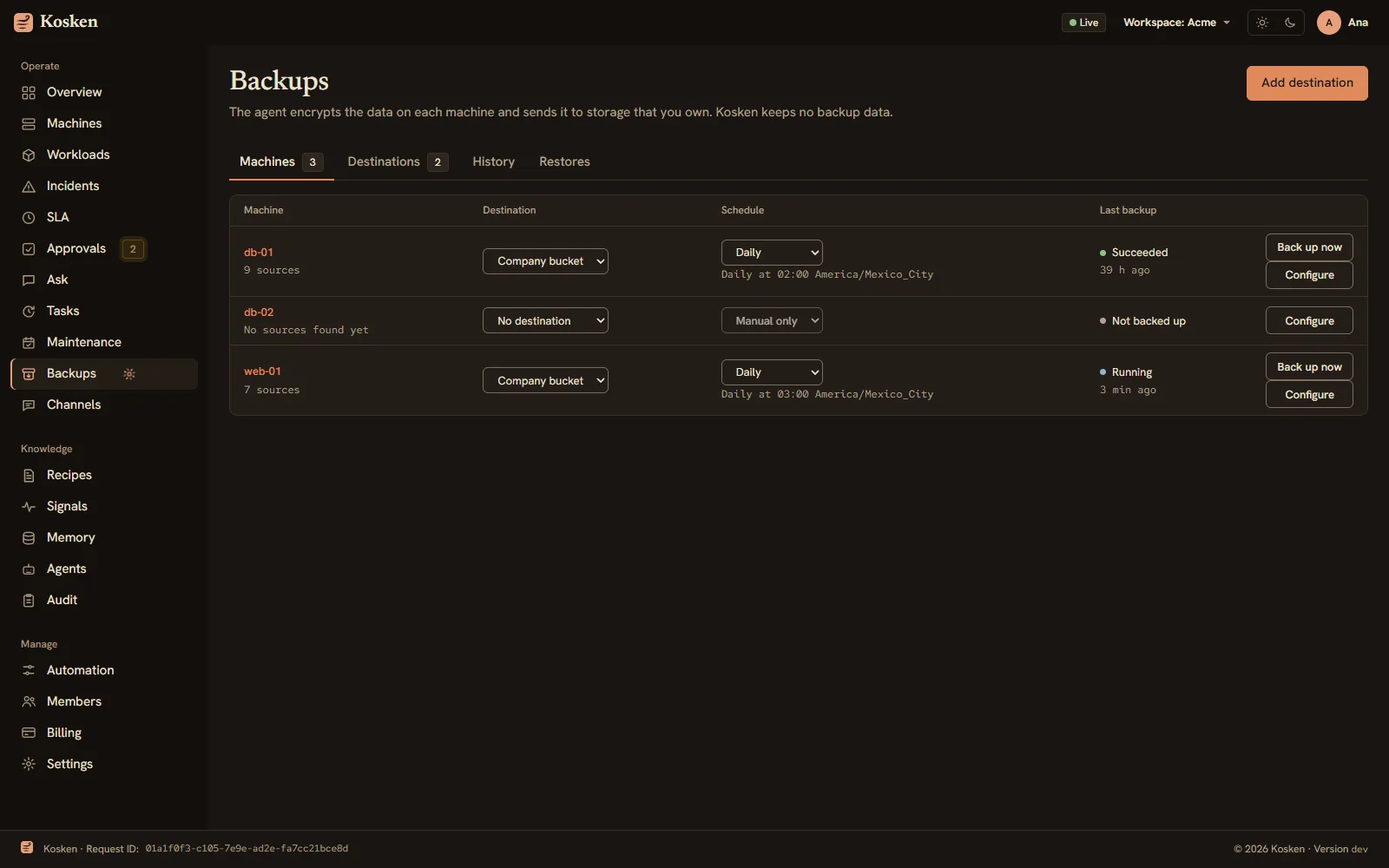
The agent on each machine backs up the data that you choose. It encrypts the data with restic and sends it to your own bucket or to another of your machines. Kosken keeps no backup data.
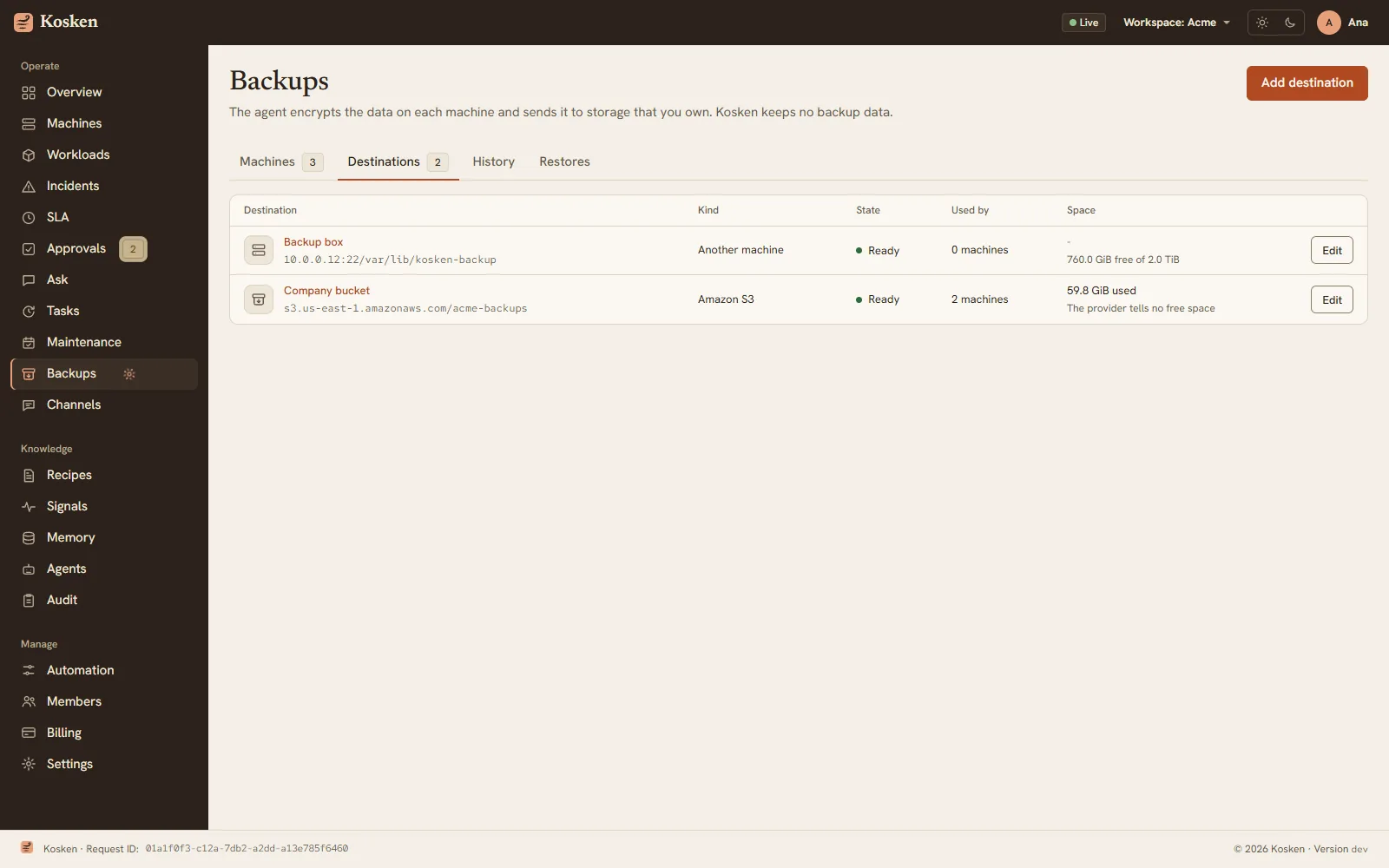
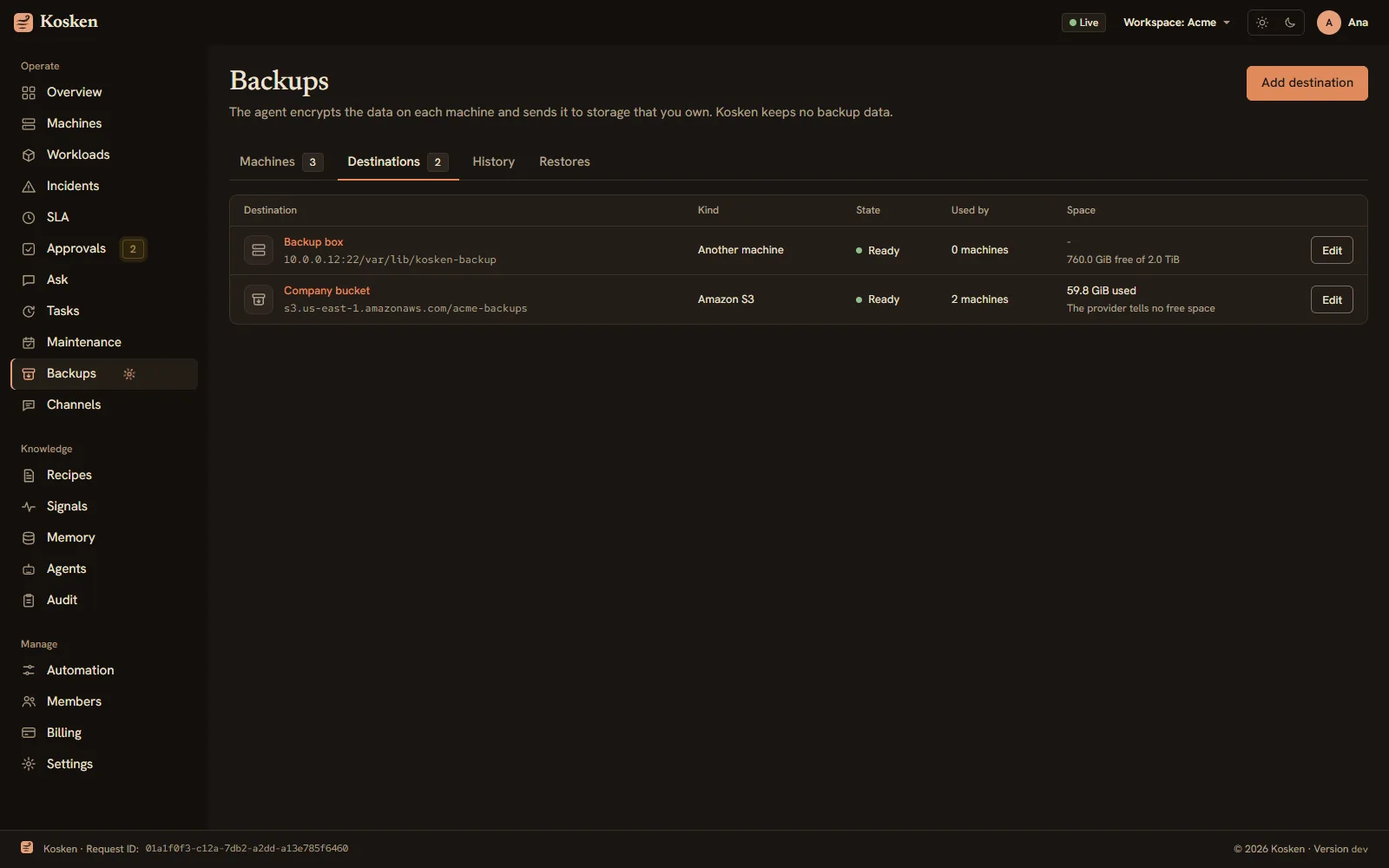
Where the backups go
A destination is storage that you own. Kosken keeps the settings and the state of each backup. The data goes straight from the machine to the destination.
- Your S3 bucket
Amazon S3, Cloudflare R2, Backblaze B2, Hetzner, DigitalOcean Spaces, Wasabi, Hugging Face, MinIO, or another service that speaks S3.
- Another of your machines
A machine of the workspace can keep the backups of the others, over SFTP. Each machine gets its own system user on the receiver, so one machine cannot read or delete the backups of another. The sender checks the SSH host key of the receiver on each run.
- Encrypted on the machine
restic encrypts each backup before it leaves the machine. Each machine has its own repository with a random password. Kosken keeps the password sealed with the key of the workspace and sends it only to the agent of that machine.
- Recovery kit
A text file with the location, the password and the restic commands of each repository. With it, you can restore without Kosken. It holds no S3 keys and no SSH keys. The page asks you to download it after the first backup.
What to back up
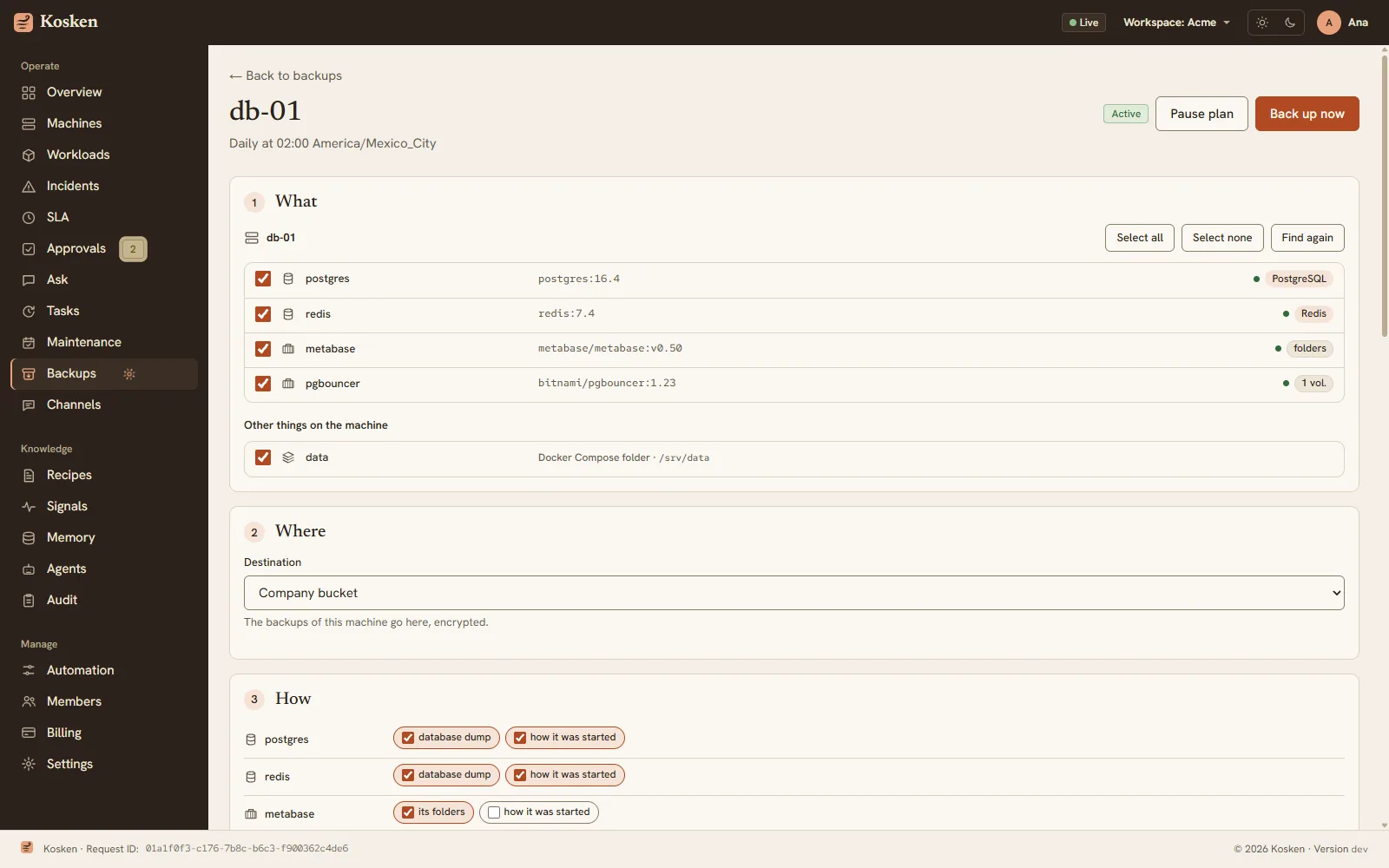
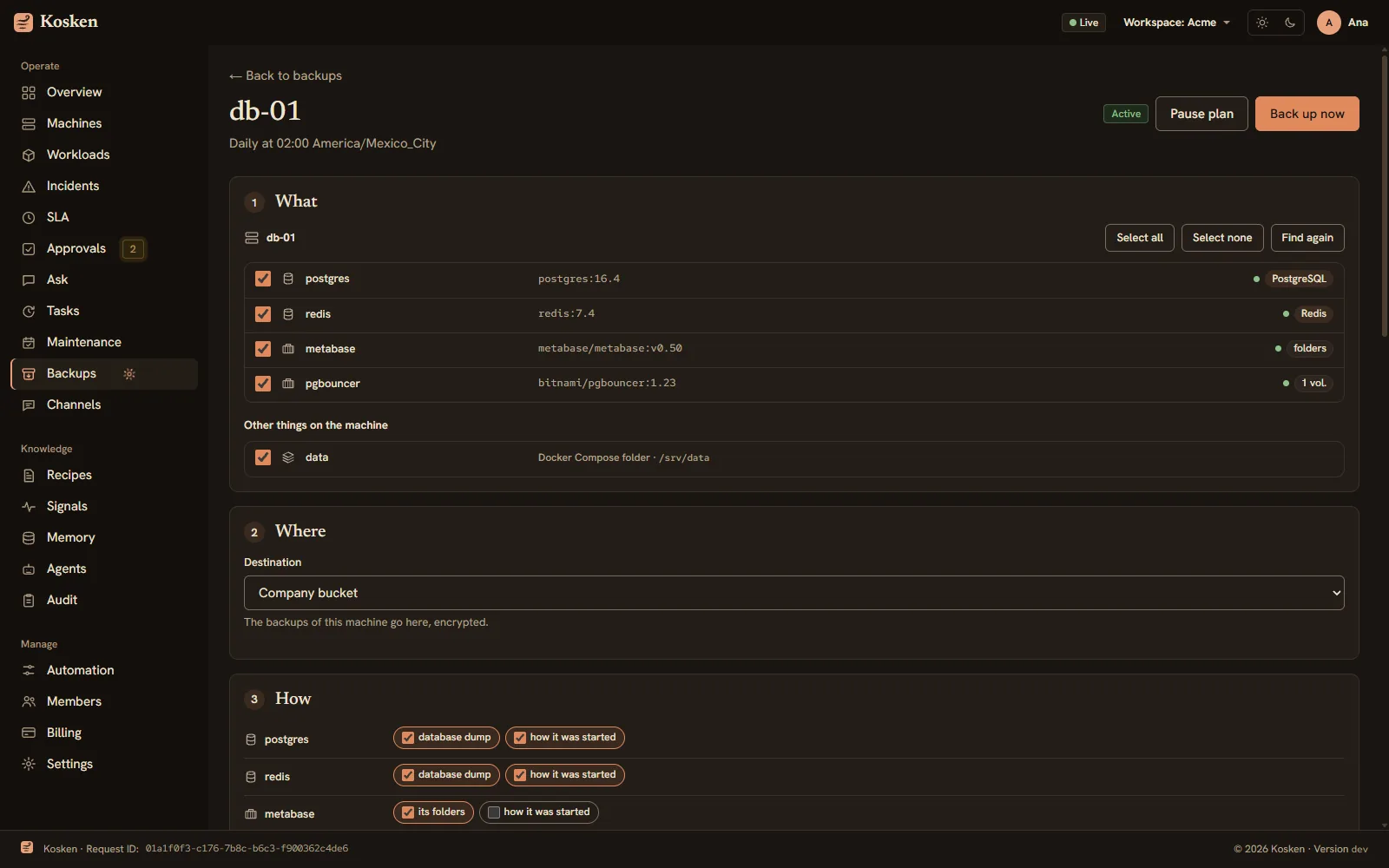
The agent looks at the machine and lists what it can back up. Nothing goes into a backup until you choose it.
- Kosken finds it
Database servers, Docker volumes, the folders of Compose projects, the folders that containers mount, and the settings of each container. You turn on each one, or use Select all.
- Databases while they run
PostgreSQL with pg_dumpall, MySQL and MariaDB with mysqldump or mariadb-dump, and MongoDB with mongodump. The dump goes straight into restic, with no copy on the disk. For Redis and Valkey, Kosken asks the server to save and backs up the file. This works for a database in a container and for one installed on the machine.
- Folders that you add
Add any path of the machine. A new plan skips node_modules, caches and log files. You can change that list.
When, and for how long
- Schedule
Every day at a time, or once a week on a day, in the time zone of the plan. Or only by hand, with Back up now.
- Retention
A new plan keeps 7 daily, 4 weekly and 6 monthly backups. You set each number. The latest backup of each source always stays.
- Only what changed
Each backup sends only the data that changed since the last one. restic splits the data into blocks, keeps each block once, and compresses it.
- Weekly prune and check
Once a week, Kosken removes the data that no backup uses. Then it reads a twelfth of the data back to check it, so all of it is read in 12 weeks.
- Sources that leave the plan
When you turn off a source, or it leaves the machine, its backups are removed 7 days after the last one. A switch that you turn off by mistake and turn on again within those days loses nothing.
- The real size
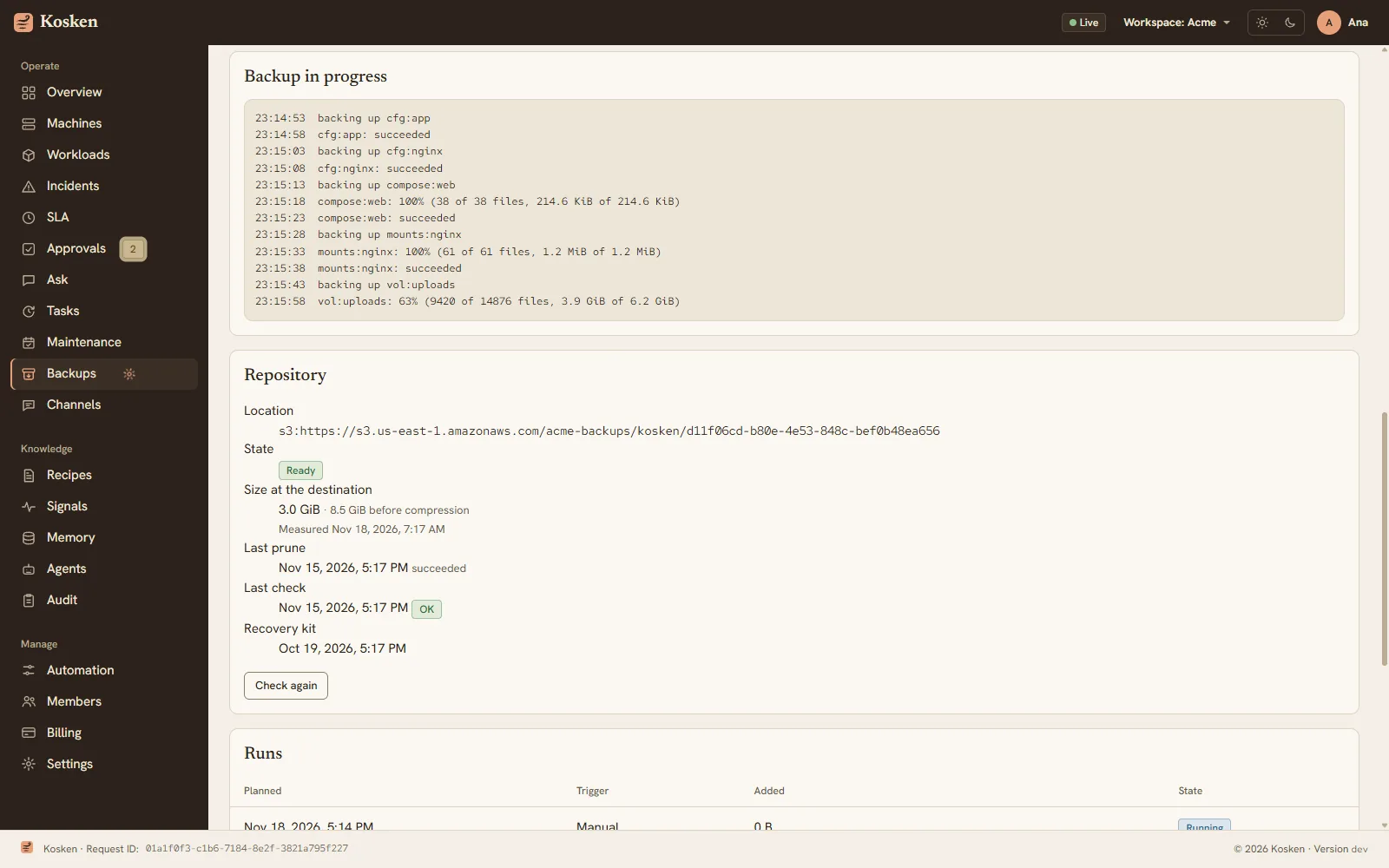
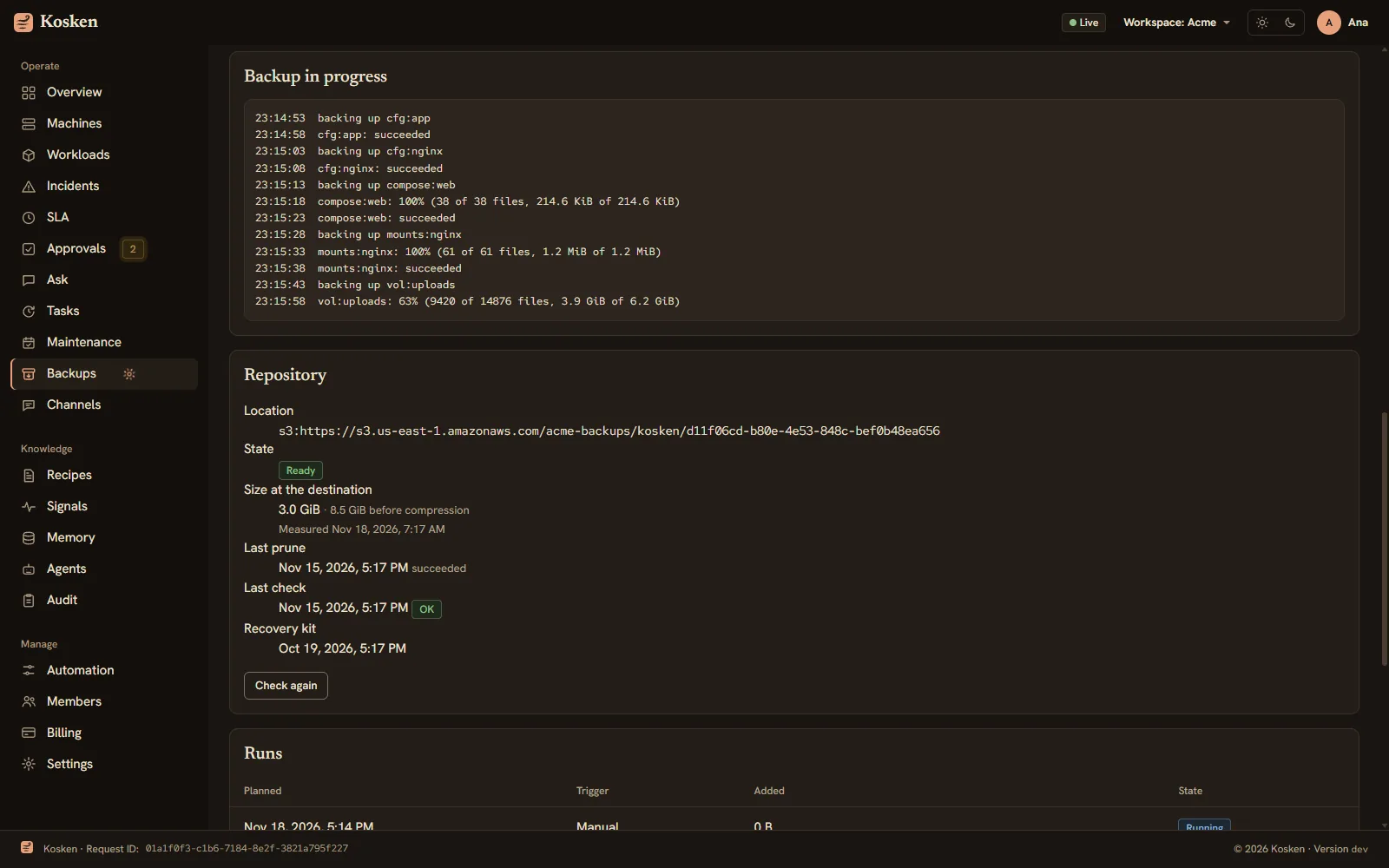
After each backup and each prune, restic measures what each repository takes at the destination, after compression. The page shows it for each destination.
Watch a backup
- Live progress
The plan page shows each source and the log of the agent while the backup runs. A gear turns next to Backups in the menu while any backup runs.
- Notices
Kosken tells you when a backup fails or is missed, when it works again, when a check fails, when a restore ends, and when a destination fails. A failure sends one notice, not one for each run. See Channels.
- From the chat
Ask Kosken lists the backups and the destinations, starts a backup after you confirm it, and makes a restore request. The model never sees a key or a password.
Restore
You restore one backup of one source. You type the name of the source to confirm.
- In place
Replaces the data of the source on the same machine. It is high risk, so it goes to Approvals. First, Kosken backs up the data that is there now. If that backup fails, the restore does not start. A restore of that backup undoes the restore.
- To a folder
Writes the files to a folder under /var/lib/kosken/restore on a machine that you choose. It changes nothing else.
- To another machine
Replaces the data of a source of the same kind on another machine of the workspace. Use it when a machine is lost.
- With the tools of each database
PostgreSQL goes back through psql and stops at the first error. MySQL and MariaDB go through mysql or mariadb, and MongoDB through mongorestore. For Redis, Kosken stops the server, replaces the file and starts it again. For a volume, Kosken stops the containers that use it and starts them again after the restore.
- One at a time
A backup and a restore never run at the same time on one machine.
Start with one machine
Create a free workspace.
Run one command on the machine. The Connect machine page shows it with your key. It installs the agent and the executor:
curl -fsSL https://<workspace>.kosken.ai/enroll/<key> | sudo shThe machine joins in audit mode. Kosken reads and reports, and changes nothing. Move it to shadow or live when you trust what you saw.
Free for up to 5 machines. A paid plan adds machines in blocks of 5.
More of Kosken
- Incident responseFrom a failed signal to a root cause report and a checked fix.
- MonitoringMonitors for services, ports, URLs, containers, disks and logs.
- Recipes and approvalsSigned fixes, five gates, and a person who decides.
- Tasks and maintenanceScheduled checks, planned changes, and the jobs of each machine.
- Fleet and modesMachines, workloads, and the audit, shadow and live modes.
- Ask KoskenAsk about your fleet in plain words, with your own models.
- ChannelsNotices and decisions in Slack, Teams, Discord, WhatsApp and email.