 Kosken
, an LLM harness for incident response on Linux fleets
The model reads and proposes; Kosken decides what runs. Kosken watches your Linux servers, opens an incident when a signal fails, and writes a root cause report with evidence. If a fix is needed, it can run only a recipe from the catalog that Kosken signs.
Free for up to 5 machines. Every machine starts in audit mode: Kosken reads and reports, and changes nothing.
Incident response from alert to fix, in five steps
This is autonomous incident response with limits. Models write text in three of the steps. Code makes every decision that changes a machine.
A signal fails
An agent on the machine reports a fact, for example disk use above 90 percent. A rule opens the incident. code
Triage
A model reads the signal and proposes a severity and a class. A safety classifier checks the output. model, then code
Diagnosis
A model reads evidence from the machine and writes the root cause analysis. It can end with
conclude, which takes no action. It has no tool to close an incident. modelReport
The report cites evidence IDs. A check flags each claim that has no evidence. model, then code
Execution
The model selects a recipe from a closed, signed catalog. Five gates decide whether it runs, waits for a person, or stops. A separate process on the machine runs it and checks the result. code, then a person
Where the limits are
Each limit is in code or in the operating system. None depends on a model following a rule in a prompt.
- A closed catalog of recipes
A recipe is a signed JSON document. Each step is a fixed list of arguments with typed parameters. No step is a shell string. A model can select a recipe and fill its parameters. It cannot write a new step.
- An executor that cannot reach the network
A separate root process on the machine runs the recipe. The unit sets
PrivateNetwork=yesandRestrictAddressFamilies=AF_UNIX. It verifies the signature with keys built into the binary. The agent that talks to the server never runs commands.- Three modes for each machine
Audit reads and reports. Shadow shows what Kosken would do. Live runs approved recipes. The default is audit. The effective mode can only go down: a limit at workspace level lowers a machine, and nothing raises it.
- Tenant isolation
Row-level security separates workspaces in the database. Each workspace has its own sealed keys, derived with HKDF. You can bring your own model key. Kosken does not issue model keys.
- An audit log that shows tampering
Each entry includes the hash of the one before it. A signed anchor is written each day. If someone edits an old entry, the chain no longer verifies.
A person decides
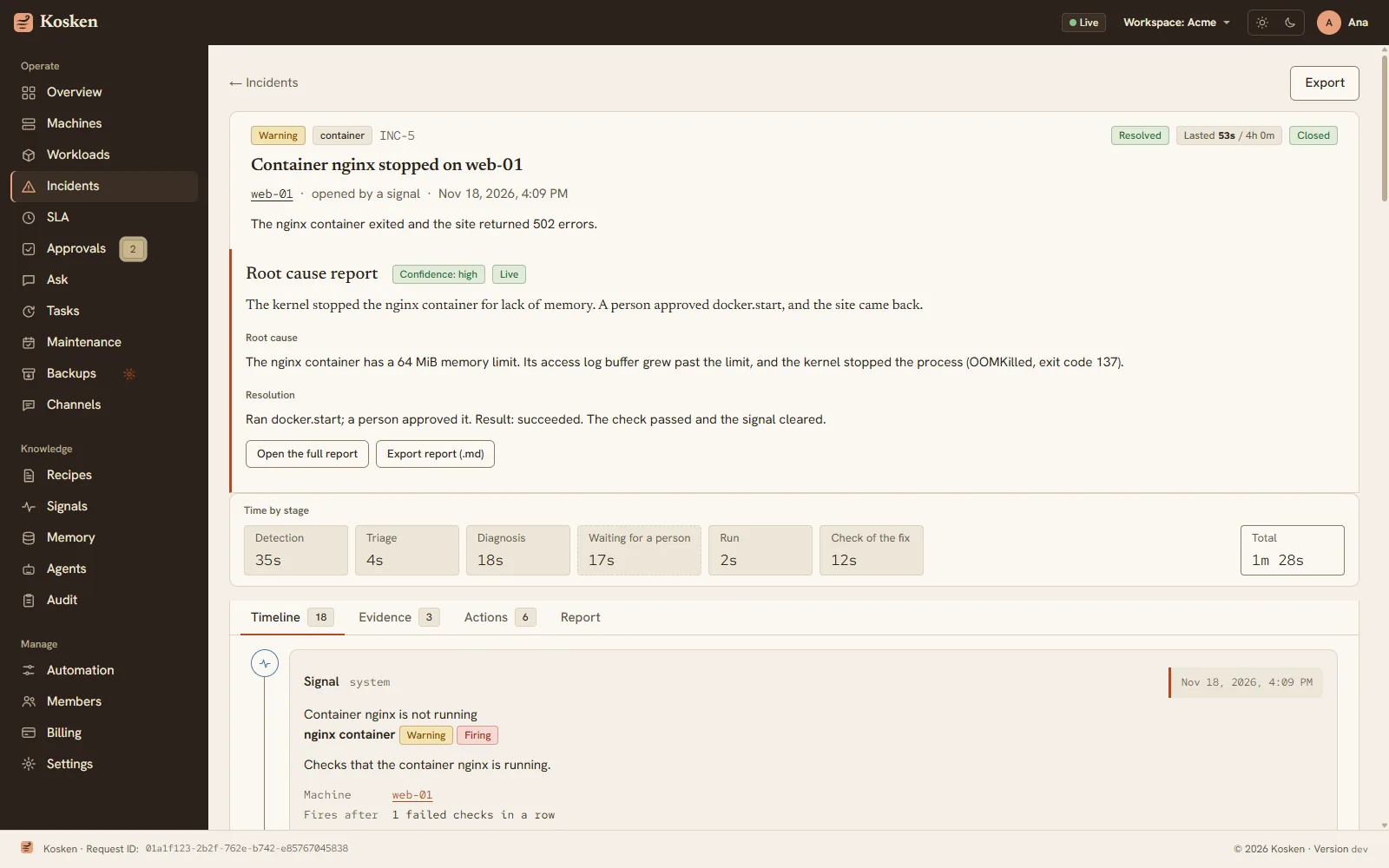
When a gate asks for approval, the request goes to the Approvals page. It shows the recipe, the parameters, the risk, the reasons, and the answers of the Guardian and the safety classifier.
- Five gates, in the order they run
- Gate 1, mode. Reads the mode of the machine. Audit stops here. code
- Gate 4, tool filter. The recipe is in the signed catalog, the parameters pass, the preconditions hold and the machine is online. code
- Gate 2, trust. Reads the trust of the recipe on that machine against its risk. code
- Gate 5, safety classifier. A separate model call that never sees the diagnosis. It can only veto or ask for a person. model, veto only
- Gate 3, approval. A person with write access approves or rejects. No answer expires and never runs. person
In live mode, a low-risk recipe that earned trust on that machine, with gate 5 passing, runs without gate 3. Any other case asks a person.
- Old data asks, it does not refuse
The facts that the server stores about a machine can be old. When only those facts fail, Kosken asks a person and says why. The executor checks the same precondition again on the machine, with live facts, before it runs.
- A refused action does not wait in silence
When the gates refuse the action of a diagnosis, the incident goes to a person at once, with the recipe and the reason.
- The fix is checked
After a recipe runs, its verify step checks the machine, and Kosken checks that the signals cleared. Only then is the incident resolved.
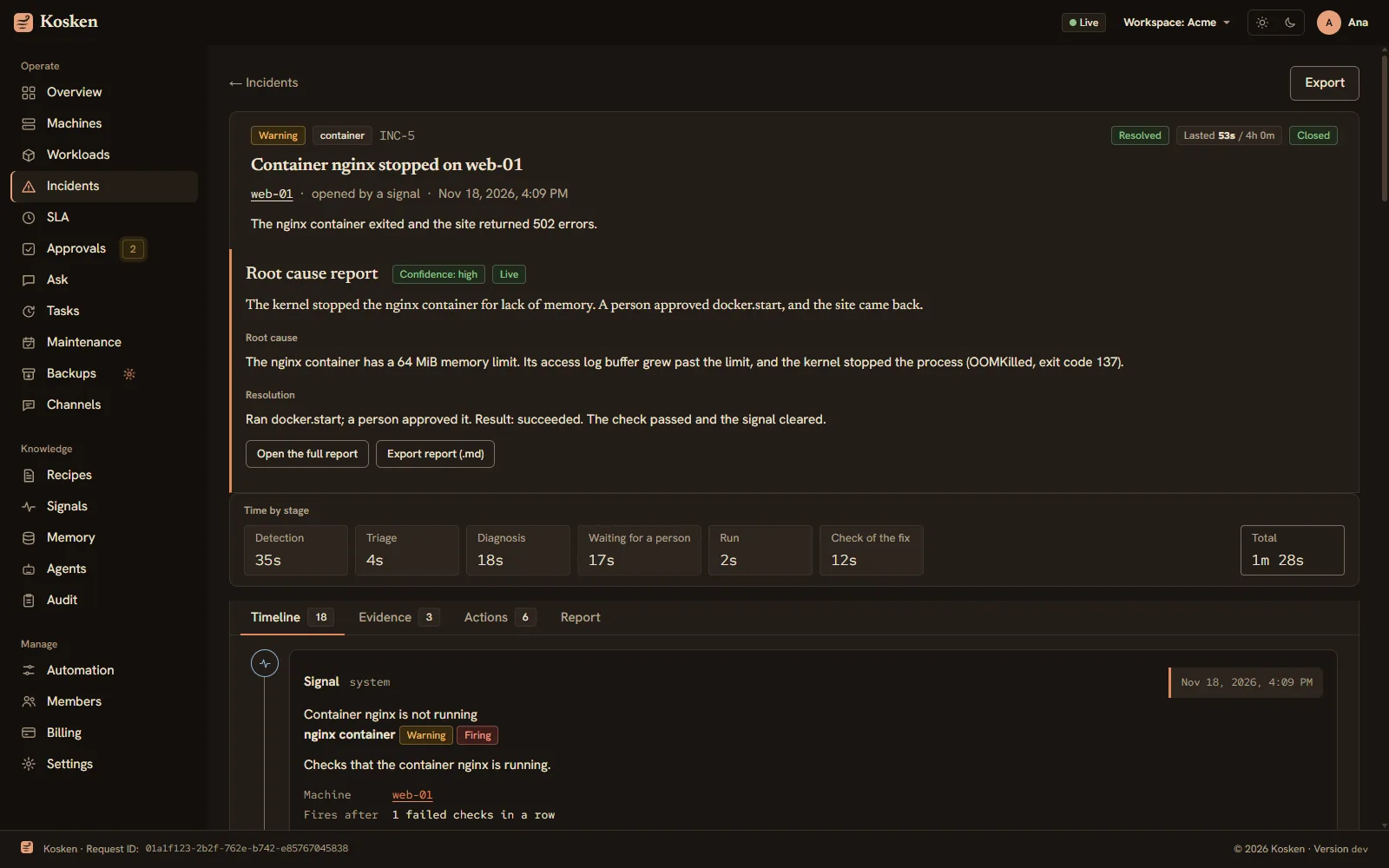
Measured on a test machine of the authors: a container stopped, a monitor opened the incident, the diagnosis proposed docker.start, a person approved it, and the verify step confirmed the fix. From the stop to the resolved incident: about 90 seconds, 17 of them waiting for the person.
Read the recipe before it runs
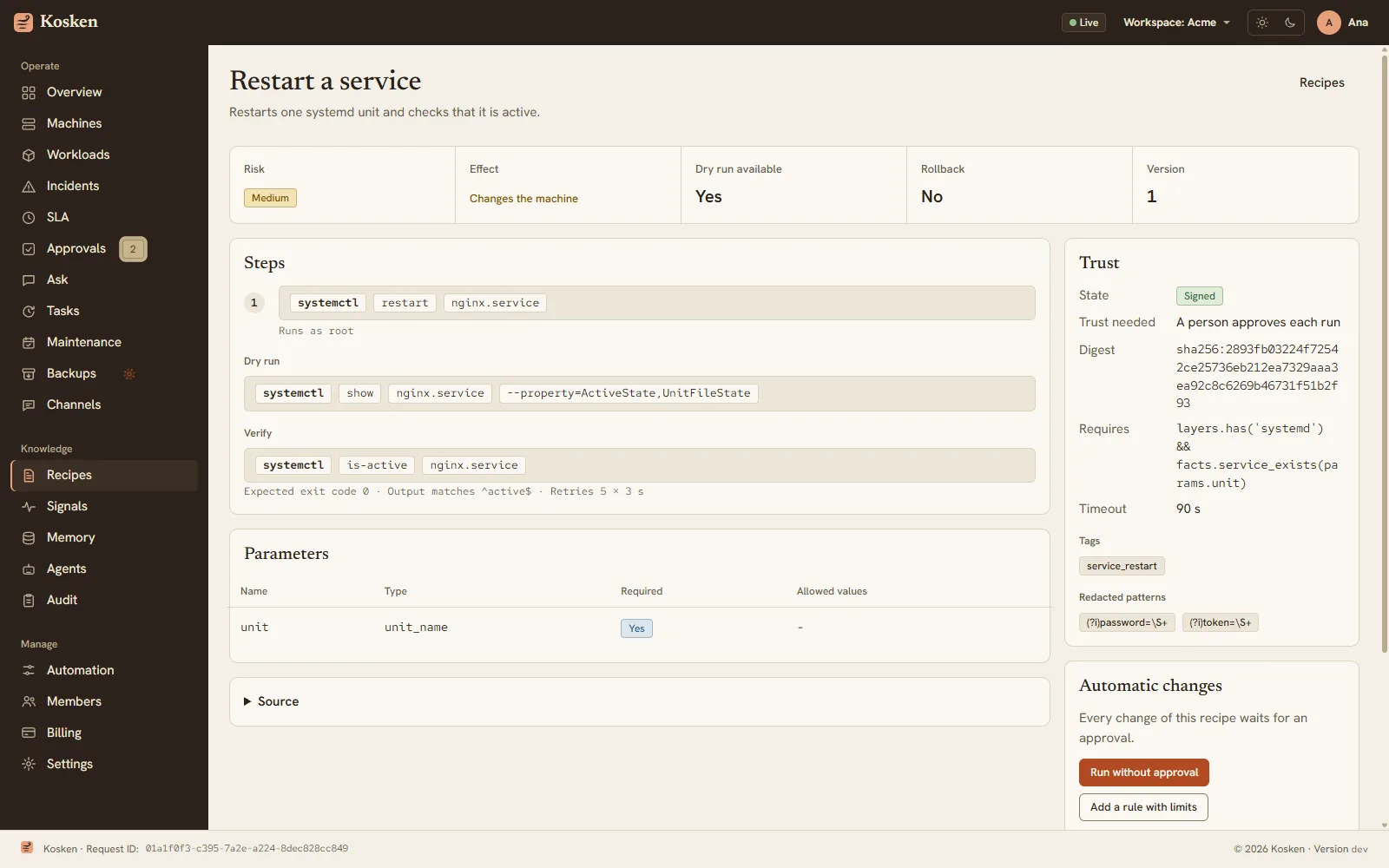
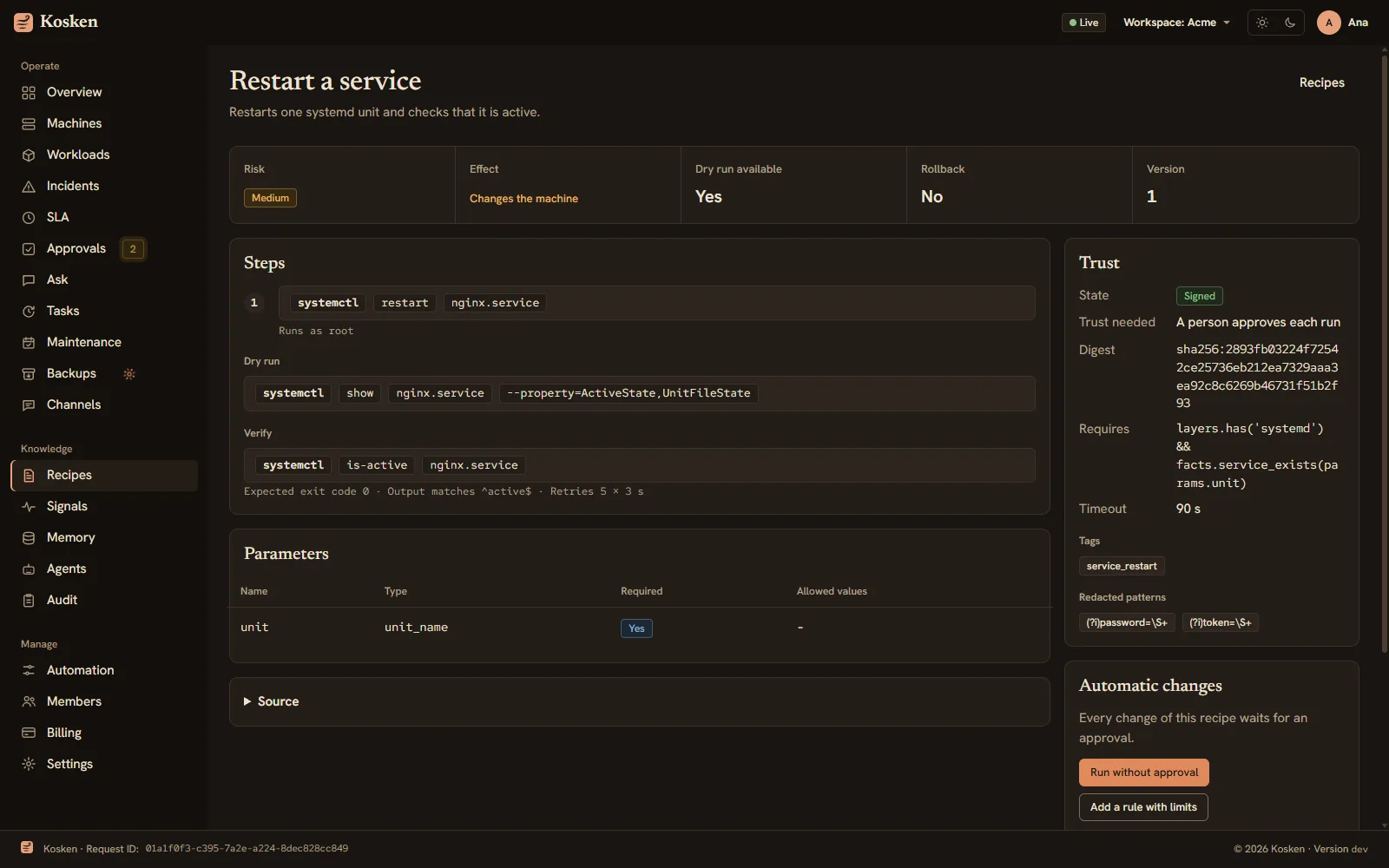
Recipes are the runbook automation of Kosken. Each recipe page shows the steps, the dry run, the check that proves the fix worked, the digest, and the signature state. Anyone who can approve a run can read the same text first.
Start by watching
You choose the mode for each machine. A new machine is in audit.
| Mode | Kosken reads | Kosken proposes | Kosken runs |
|---|---|---|---|
| audit | Yes | No. It lists candidates. | Nothing |
| shadow | Yes | Yes, with a dry run | Dry runs only |
| live | Yes | Yes | Approved recipes, under your approval rules |
One page for the fleet
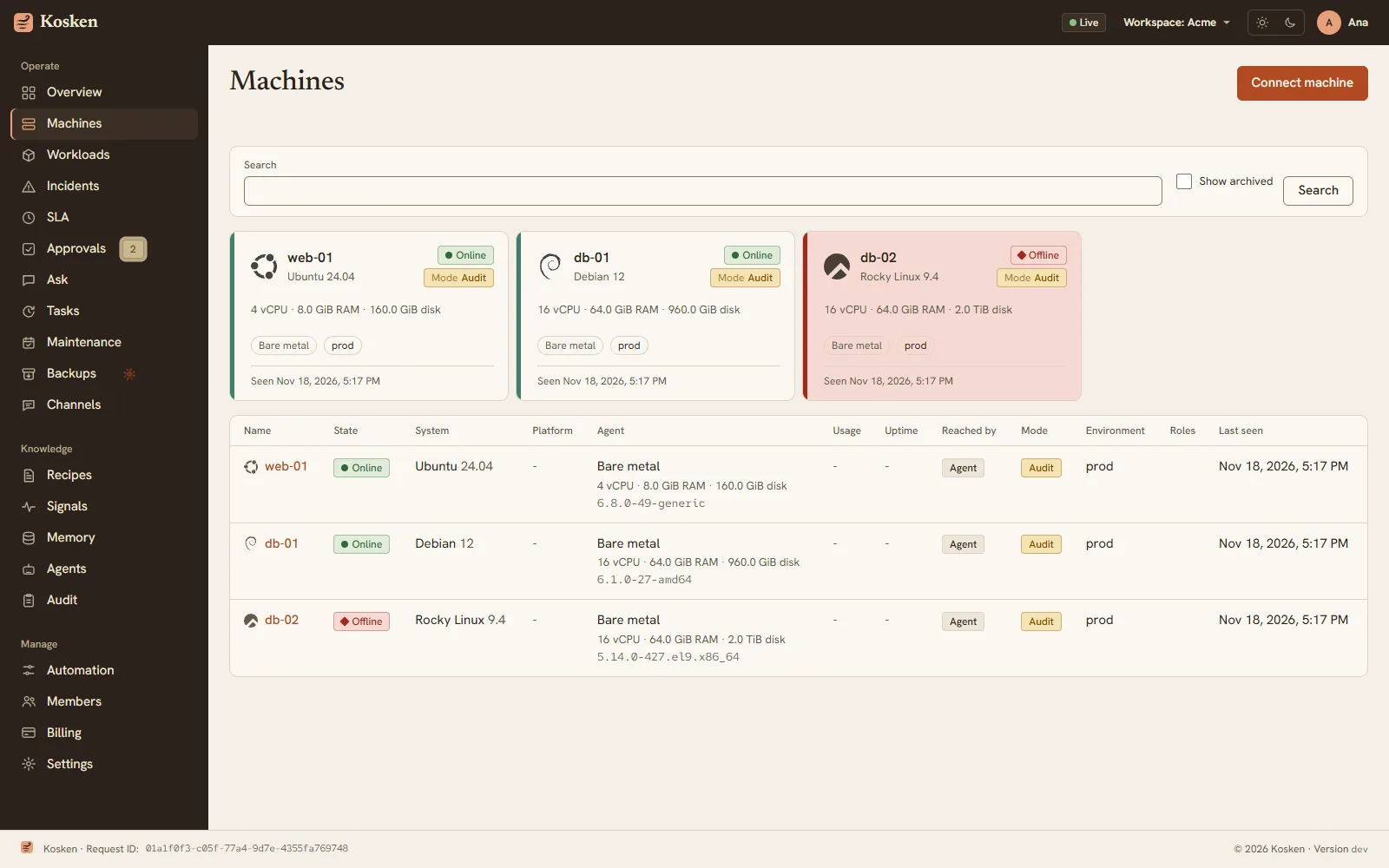
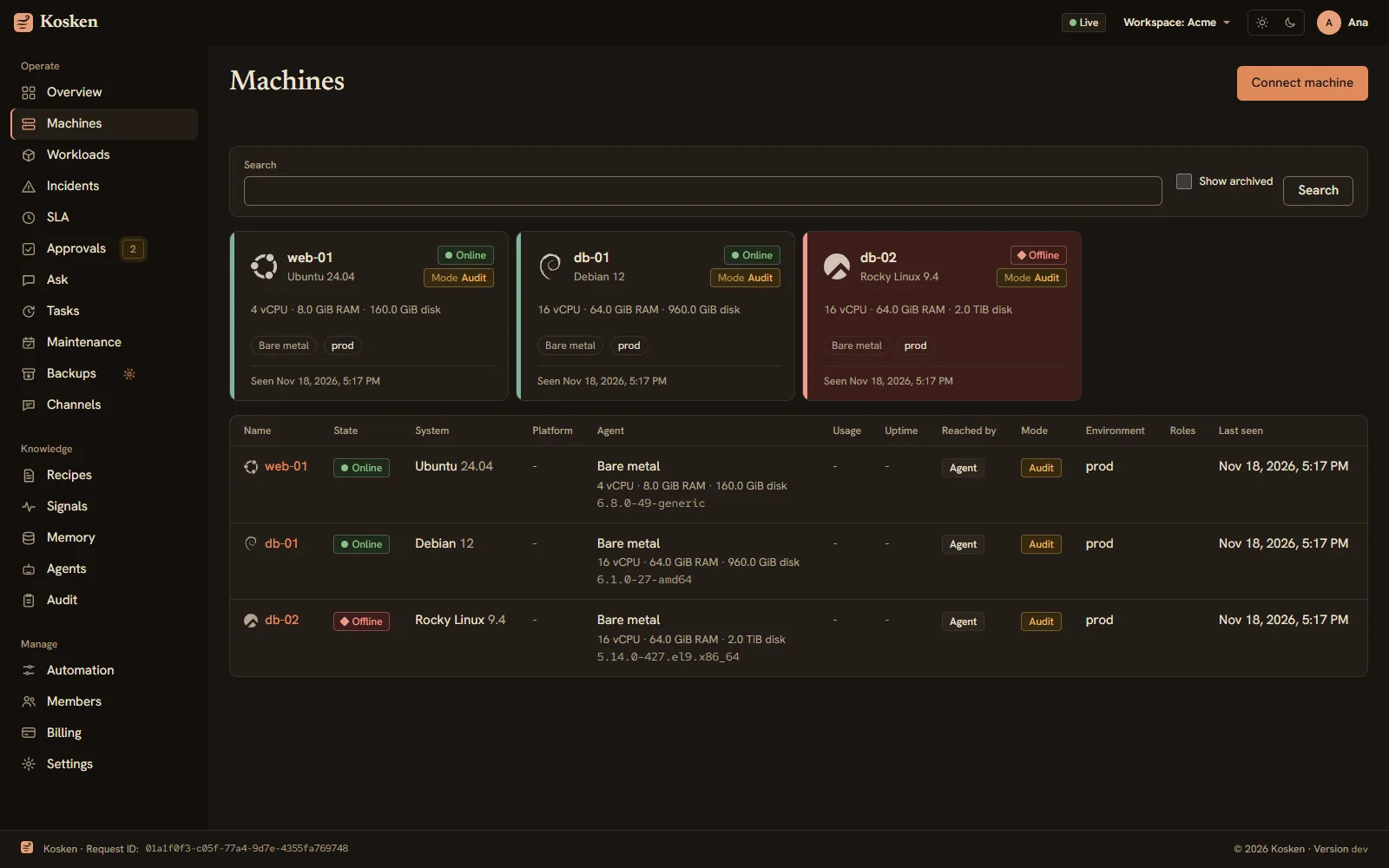
Fleet management starts on the Machines page. Each card shows the state, the mode, and the last time the machine reported. The page updates by itself when a machine changes.
More of Kosken
- Incident responseFrom a failed signal to a root cause report and a checked fix.
- MonitoringMonitors for services, ports, URLs, containers, disks and logs.
- Recipes and approvalsSigned fixes, five gates, and a person who decides.
- Tasks and maintenanceScheduled checks, planned changes, and the jobs of each machine.
- BackupsEncrypted backups of databases and files to storage that you own.
- Fleet and modesMachines, workloads, and the audit, shadow and live modes.
- Ask KoskenAsk about your fleet in plain words, with your own models.
- AI OpsGPUs, vLLM endpoints, benchmarks, and one button that tunes vLLM.
- ChannelsNotices and decisions in Slack, Teams, Discord, WhatsApp and email.
Where the ideas come from
The same author built two earlier projects: OpenRemedy and NanoInfra. Kosken takes ideas from both. The first idea is that the harness matters more than the model. The second is a strict split between the part that reasons and the part that executes. Kosken shares no code with them. The whitepaper lists what we took, what we changed, and where they are stronger.
Start with one machine
Create a free workspace.
Run one command on the machine. The Connect machine page shows it with your key. It installs the agent and the executor:
curl -fsSL https://<workspace>.kosken.ai/enroll/<key> | sudo shThe machine joins in audit mode. Kosken reads and reports, and changes nothing. Move it to shadow or live when you trust what you saw.
Free for up to 5 machines. A paid plan adds machines in blocks of 5.