 Kosken
vLLM that tunes itself with one button
vLLM 0.34 has 327 settings. Some help only one kind of model. Some help at 4 users and hurt at 16. Some do not start on a given GPU. Most teams keep the defaults, or copy flags from a post about another GPU and another model.
Kosken AI Ops now has an Optimize button on each vLLM endpoint. You pick a goal, and Kosken tunes the endpoint by itself: it proposes changes, checks them, restarts the endpoint, measures it with the same benchmark, and stops when the gain is small. Then you keep the result or undo it. Every change is proved by a benchmark before you keep it.
What the button does
- It measures the endpoint as it is now, or reuses its last benchmark with the same workload.
- It proposes changes for the goal: Balanced (the most users within the service level), Throughput or TTFT (the fastest first token). Rules read the model, the GPU and the measures. Kosken AI reads the same facts and adds proposals.
- It checks each proposal before it can run. A value that vLLM refuses, or that the model or the GPU does not support, never reaches the endpoint.
- It restarts the endpoint with the changes and runs the same benchmark again.
- With auto-tune, Kosken AI reads the results and proposes the next round, up to 3 rounds. The run stops when a round gains less than 3%.
- It leaves the best round on the endpoint. Keep leaves it there. Undo puts back the settings from before.
The endpoint
We tried it on one of our own endpoints. It serves Qwen/Qwen3.5-2B on vLLM v0.34.0, with MTP speculative decoding, a context of 32,768 tokens, 64 sequences and 80% of the GPU memory. Qwen3.5 is a hybrid model: some layers are attention, some keep a state like Mamba. That changes many rules.
The benchmark before (BM-2) measured three scenarios, chat 1k/1k, ShareGPT and a shared prefix, at 1, 4 and 8 users, against the MLPerf Interactive service level: TTFT p99 up to 450 ms and TPOT p99 up to 40 ms. The endpoint held 4 users.
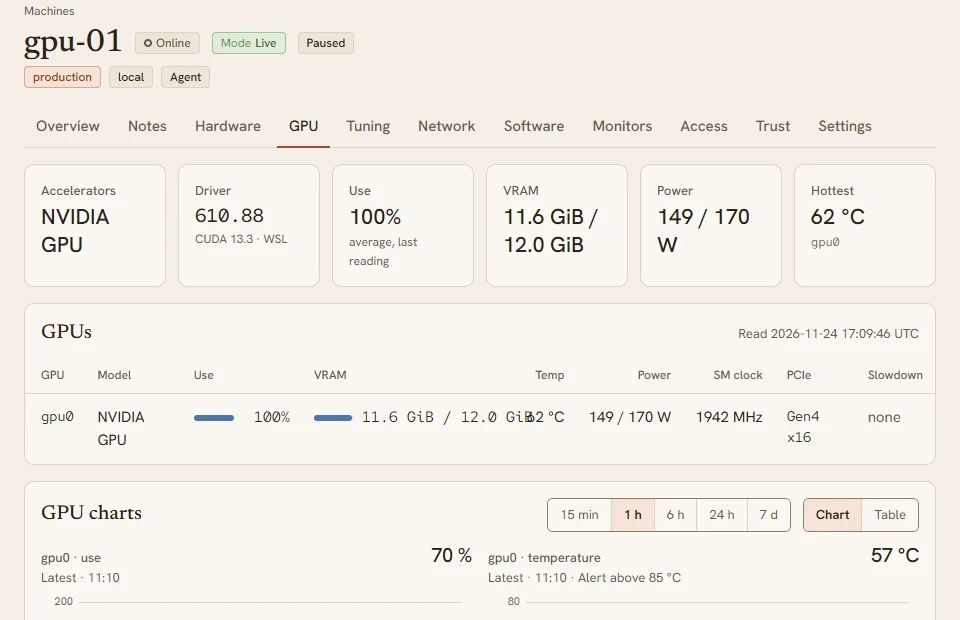
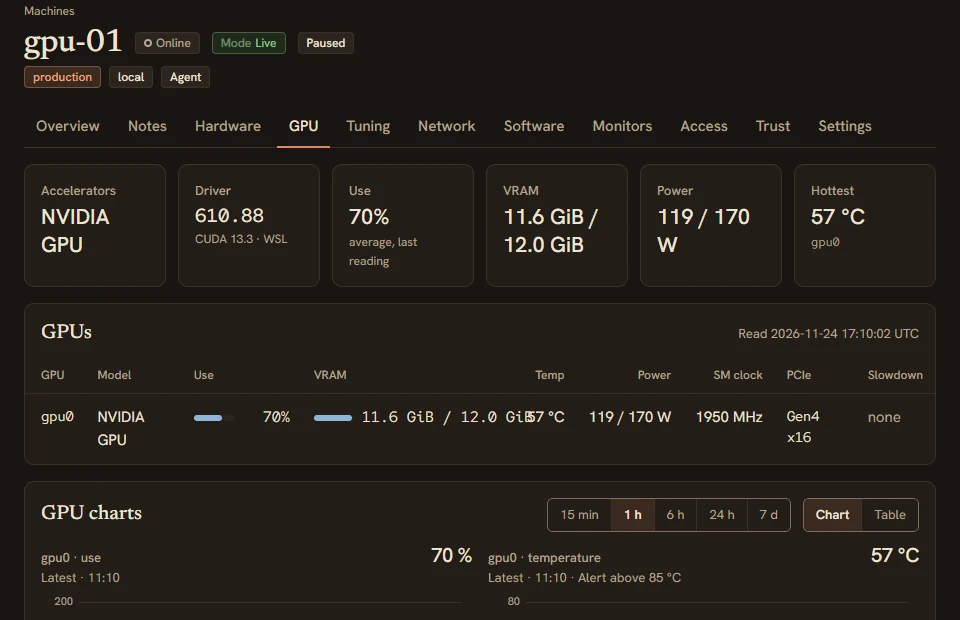
The first run went wrong
The first run, OP-1, had the goal TTFT. Its first round gave mixed numbers, and the run still went on to a second round. That round wanted to set --max-num-seqs from 64 to 1.
Two bugs caused it. The TTFT score read the p95, and the benchmark before came from an older agent that did not save the p95. The score before was 0, so any round looked like a gain of 100%. And the TTFT rule took the users that held the first-token limit, which was 1, as the number of slots. With one slot, vLLM serves one request at a time, and the others wait in the queue. vLLM counts the time in the queue in TTFT, so this makes TTFT worse, not better.
We pressed Cancel. Kosken restarted the endpoint with the settings from before the run, and we checked the flags of the container: the same as before. Then we fixed both bugs. The score now reads the p99, which every benchmark has. For TTFT, Kosken keeps --max-num-seqs, and a check refuses any value below the users of the workload.
The second run
OP-2 had the same goal and the same workload, with auto-tune on. It took about 19 minutes.
| Round | Changes | From | Result |
|---|---|---|---|
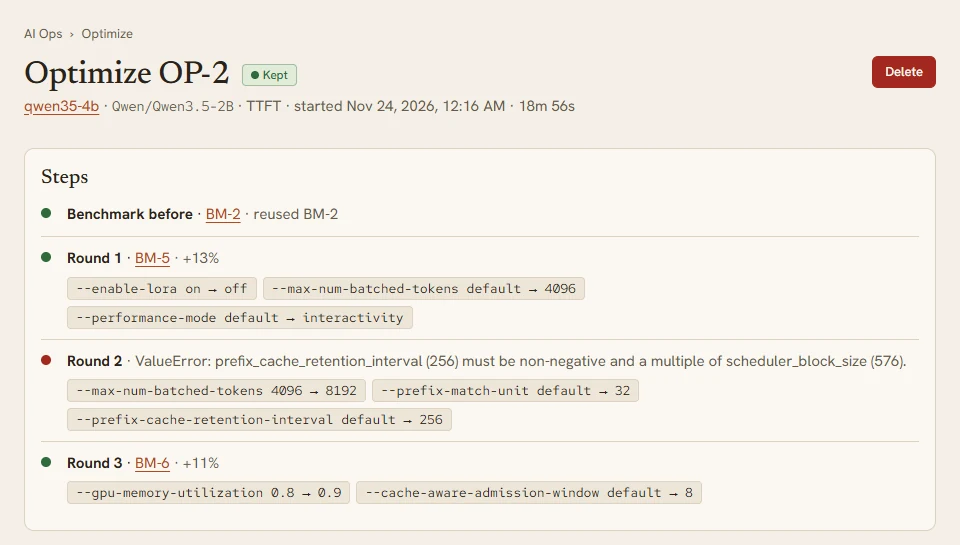
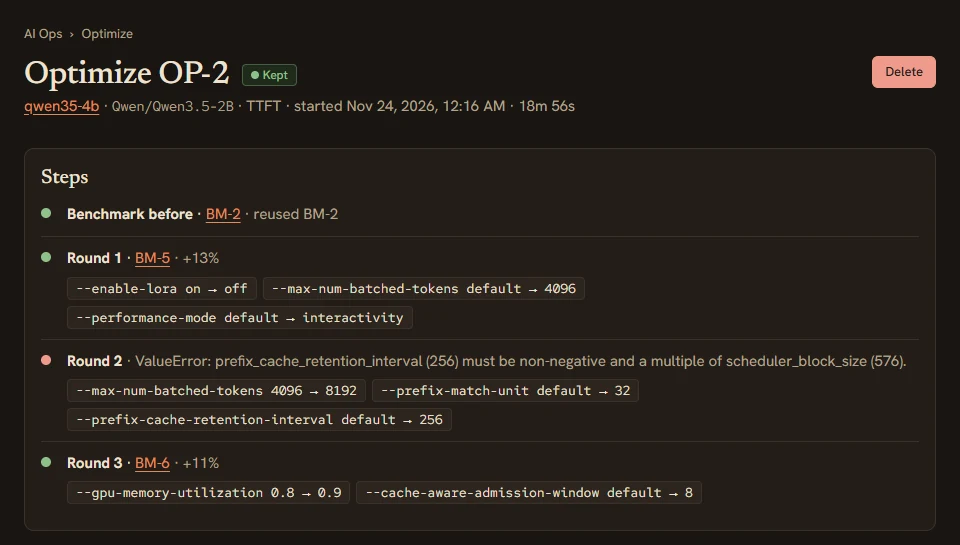
| 1 | LoRA off (no adapter was loaded), --max-num-batched-tokens 4096, --performance-mode interactivity | Rules | +13% |
| 2 | --max-num-batched-tokens 8192, --prefix-match-unit 32, --prefix-cache-retention-interval 256 | Kosken AI | vLLM refused to start: the interval must be a multiple of the block size, 576 on this model |
| 3 | --gpu-memory-utilization 0.9, --cache-aware-admission-window 8 | Kosken AI | +11%, not better than round 1 |
Round 2 failed at start, and the run went on from round 1. We added a check for that interval, so the same proposal now shows as not applied, with a valid value. Round 3 did not beat round 1 by 3%, so the run stopped, put round 1 back on the endpoint and waited. We kept it.
Before and after
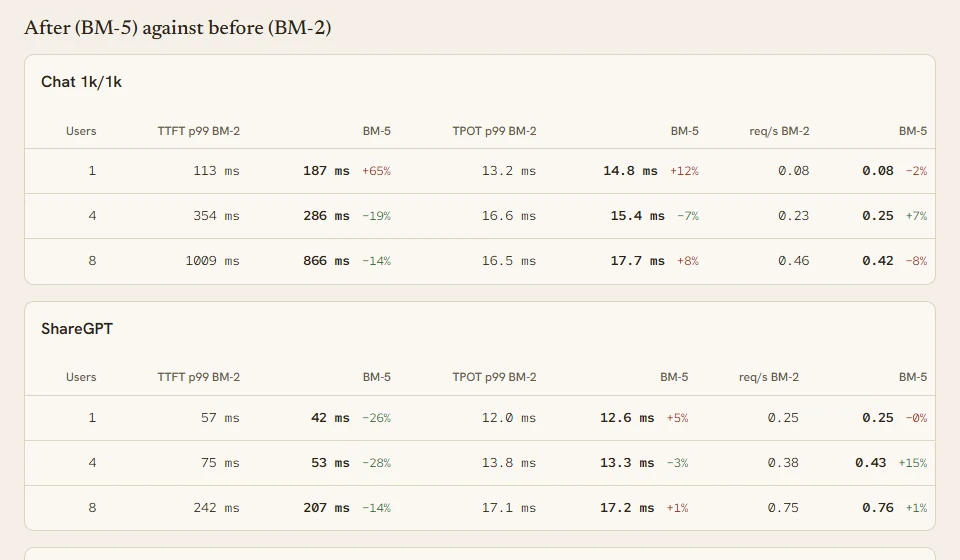
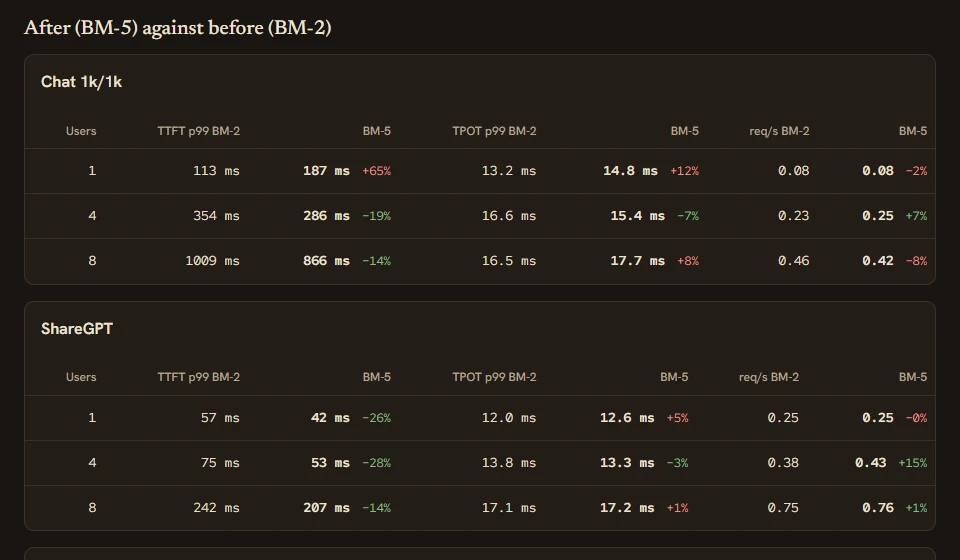
TTFT p99 of the benchmark before (BM-2) and of round 1 (BM-5), in milliseconds:
| Scenario | 1 user | 4 users | 8 users |
|---|---|---|---|
| Chat 1k/1k | 113 → 187 | 354 → 286 (−19%) | 1,009 → 866 (−14%) |
| ShareGPT | 57 → 42 (−26%) | 75 → 53 (−29%) | 242 → 207 (−14%) |
| Shared prefix | 419 → 346 (−17%) | 384 → 351 (−9%) | 1,318 → 1,187 (−10%) |
Eight of nine points are faster. TPOT p99 stayed between 12 and 25 ms. The endpoint still holds 4 users within the service level: at 8 users, the first token of a chat takes 866 ms, and the limit is 450.
One point is slower: chat at 1 user, from 113 to 187 ms. It is not a cold start. The p50 of that level is 182 ms, so all four requests are slower. The run kept round 1 because its score is a mean over all levels. We think --performance-mode interactivity causes it, and we will measure that next. This is why the run page shows every level, and not only the score.
What we learned
- A rule must know what the metric counts. TTFT includes the queue, so fewer slots cannot make it faster.
- Kosken AI finds settings that no fixed rule has, such as the retention interval of a hybrid model. It also proposes values that vLLM refuses. Each refusal becomes a check, so the next run does not try it.
- Small samples are noisy. With 4 requests at a level, the p99 is almost the slowest request. Read each level, and use more requests before you trust a difference of 10%.
- Cancel and Undo must always work. Kosken saves the settings from before when a run starts, and puts them back with one restart.
What comes next
First, we will measure --performance-mode interactivity alone, to see if it causes the slower chat at 1 user. Then we will run the Balanced and Throughput goals on the same endpoint and publish the numbers.
The guides for Benchmarks and Optimize show every step. AI Ops shows in Kosken when the agent finds a GPU on one of your machines.