 Kosken
 for free: 5 servers and a free model on OpenRouter
The free plan of Kosken costs USD 0, has every feature, and covers up to 5 servers. Kosken does not sell the model: you bring your own key, and your provider bills you for the tokens. Since version 0.1.400, that provider can be OpenRouter, and OpenRouter has free models. With a free model, the model costs nothing too.
We set it up on our own workspace on November 28 with nvidia/nemotron-3.5-lightning:free, and fixed two problems on the way.


What you need
- A Kosken account and a workspace. Every workspace starts on the free plan. The Billing guide shows how the free servers unlock.
- An OpenRouter account and an API key. Create the key at openrouter.ai/keys.
- The Kosken agent on each server. See Install the agent.
The model
Nemotron 3.5 Lightning is an open mixture-of-experts model from NVIDIA, with 3B active parameters out of 30B. On OpenRouter, the :free version has a context of 1,000,000 tokens and gives up to 65,536 output tokens. It calls tools, which Diagnosis and the chat agents need. It does not accept response_format, so the API does not force a JSON answer. Free endpoints on OpenRouter have rate limits. The model page links to them and names the provider.
Step 1: connect OpenRouter
- Click your name at the top right, then click Settings.
- Click the LLM tab.
- In Connect a provider, paste the key in OpenRouter and click Save and test.
Kosken checks the key with OpenRouter. If the key works, Kosken seals it for the workspace and shows only its last four characters.


Step 2: switch on the model
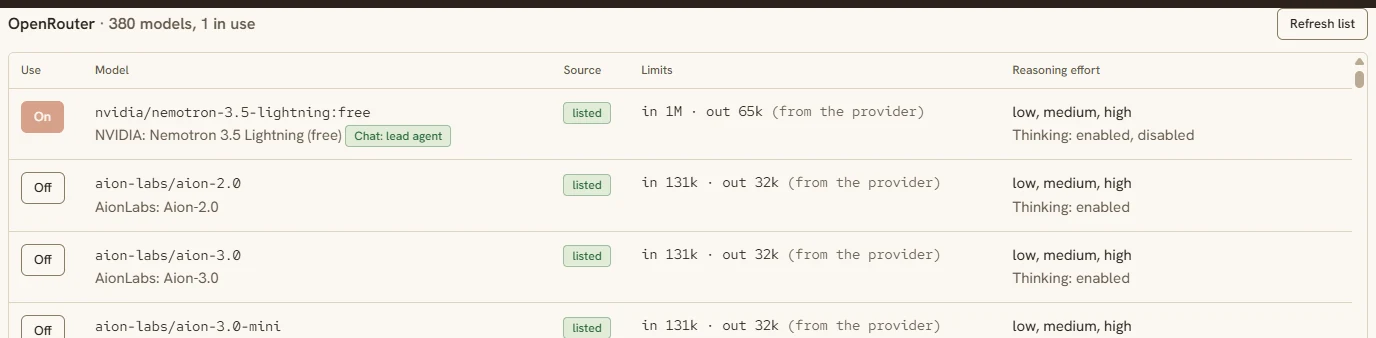
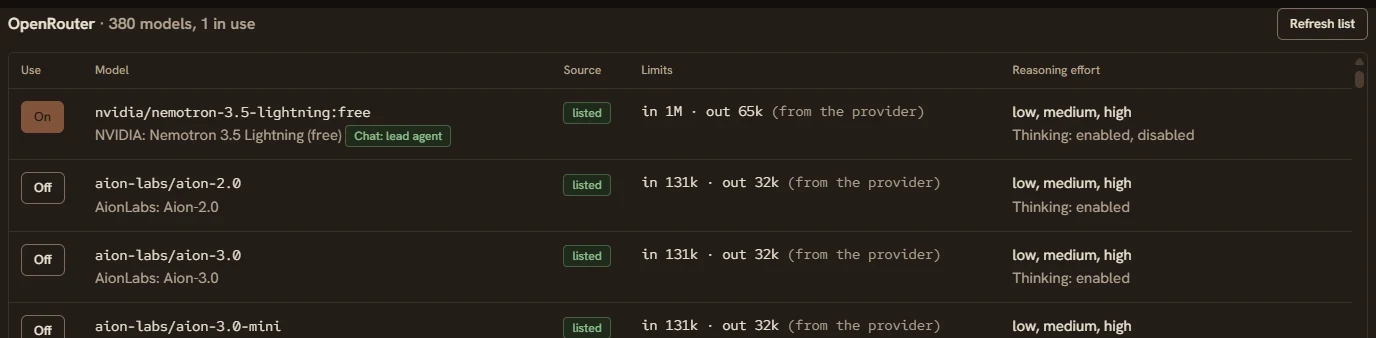
Step 2, Choose the models, shows the OpenRouter models that call tools. In our test, the list had 380 models. Find nvidia/nemotron-3.5-lightning:free and click Off. The button changes to On.
Step 3: choose it for the roles
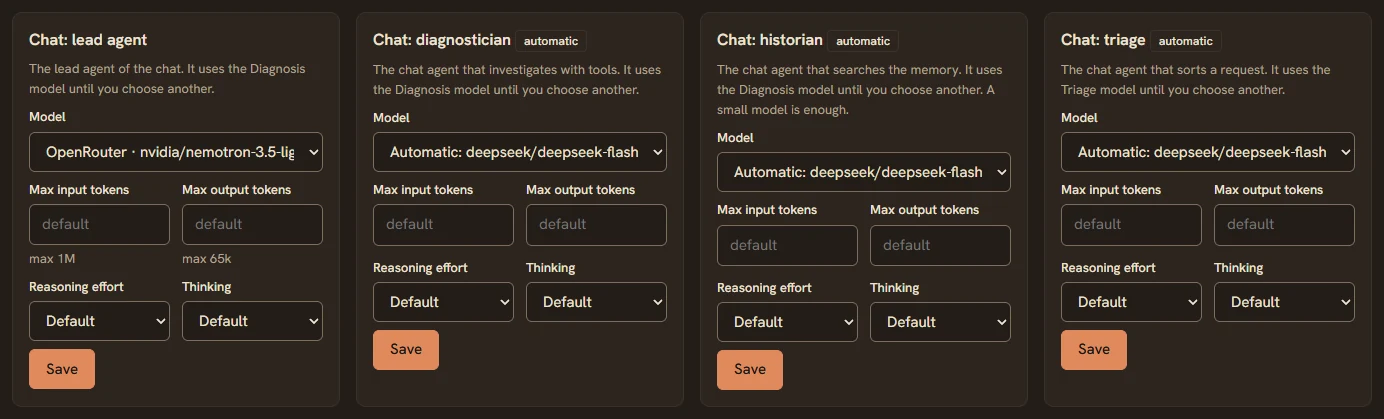
Each stage of an incident and each agent of the chat has a role. Kosken picks a model on its own only from OpenAI, Anthropic and DeepSeek. With only an OpenRouter key, choose the model for each of these roles, and click Save in each one:
- Triage and Diagnosis.
- Safety classifier and Guardian.
The chat agents use the models of these roles until you choose another, so Ask Kosken works too. Leave Embeddings as it is: Kosken makes the vectors of the memory search on its own servers.
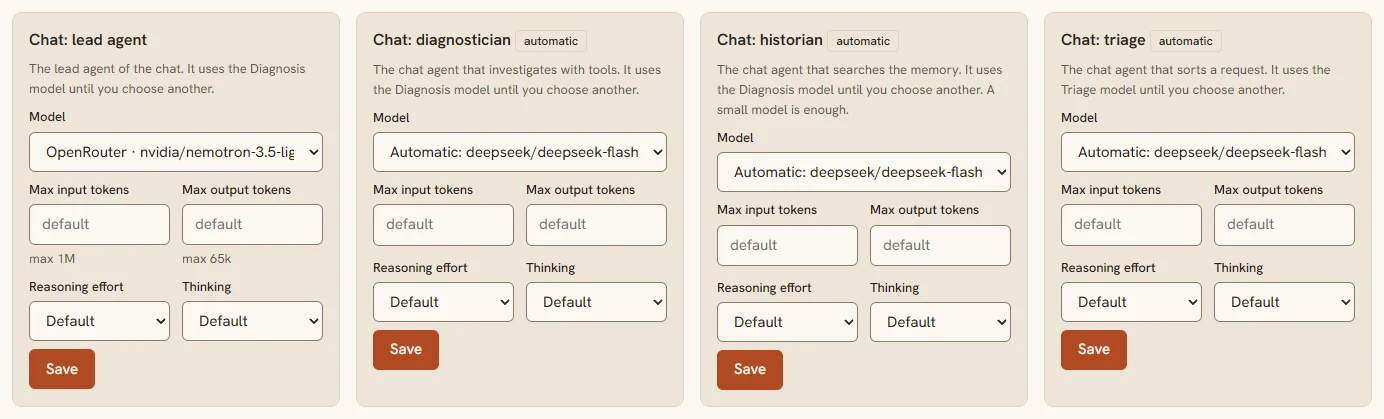
When the Safety classifier or the Guardian uses the same provider as Diagnosis, the page says so. The stages that check are more independent with another provider. With one free model, every stage uses the same model, so the checks lose that independence.
Step 4: ask something
We asked Ask Kosken which machines we have and which one has the most CPU load, in a table. The model called list_machines, then get_metrics for each of the 5 machines, and answered with the table. It took 7 calls to the model, and the slowest one took 5 seconds.
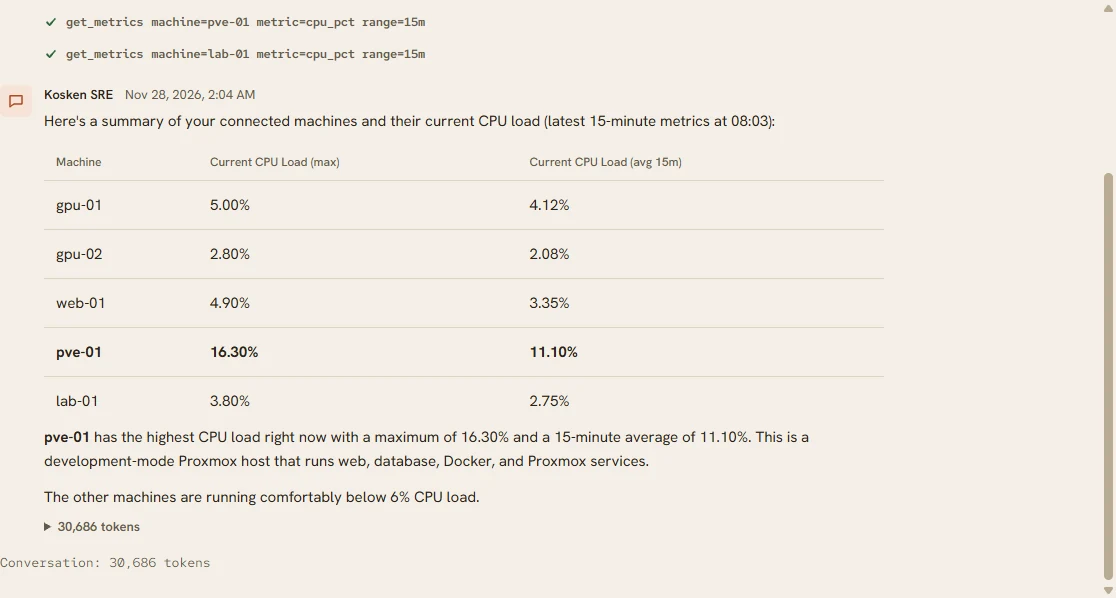
What we fixed during the test
The first answer stopped in the middle of a sentence. Nemotron reasons before it answers, and the reasoning tokens count against the output limit. The chat has a limit of 1,200 tokens, and the model spent 941 of them on reasoning. Since 0.1.402, Kosken adds room for the reasoning when the model reasons and the role has no output limit of its own. An answer that still hits the limit ends with […], so nobody reads it as complete.
Some roles ask for a JSON answer, and Nemotron does not accept response_format. Since 0.1.403, Kosken sends response_format to an OpenRouter model only when the model accepts it. For Nemotron, Kosken puts the schema in the prompt instead. We then set Nemotron on Chat: triage, the agent that sorts each chat request and answers in JSON, and every call succeeded.
What to watch
A free model can refuse calls when you send many, or when it is busy. If that happens often, choose a paid OpenRouter model for the roles. Usage shows the tokens of each role, so you can see what a paid model would bill.
OpenRouter sends each request to the provider of the model, under the terms of OpenRouter and of that provider. Read them on the model page before you send the model your logs. Kosken redacts the context of a task before it sends it to any model.
The tools give times in UTC. In our test, the model wrote the time of the metrics in UTC, not in our local time.
The guide Your AI model key shows every provider and every role. To use a model that you serve yourself, see Use your own model endpoint.