 Kosken
Your AI model key
Add your OpenAI, Anthropic or DeepSeek key, switch on the models, and give each role its model and limits.
On this page
After this guide you can connect your own model key, choose the models that Kosken may use, and set the model of each stage.
Kosken uses the language model of your choice with your own key. Kosken does not issue model keys and does not sell model use. Only an owner of the workspace can change these settings.
Add a provider key
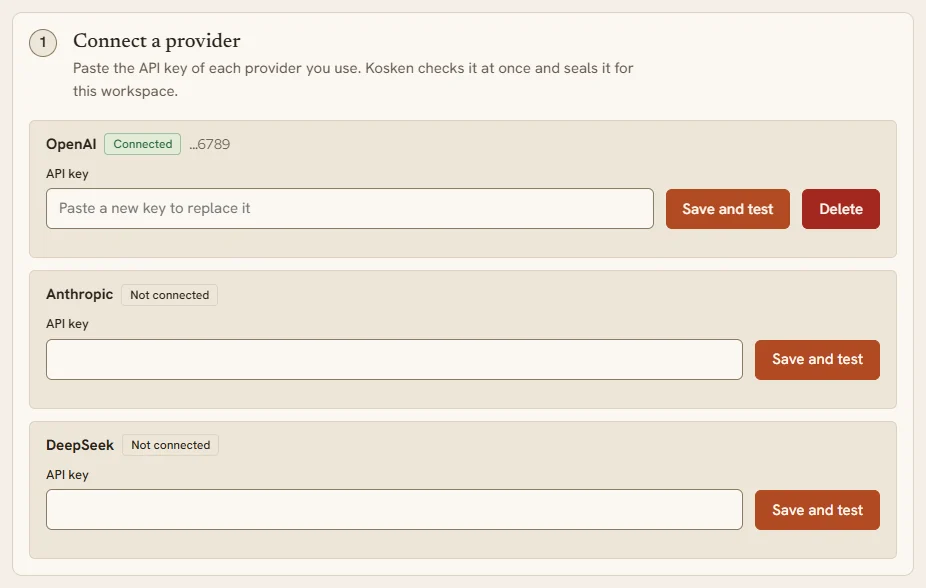
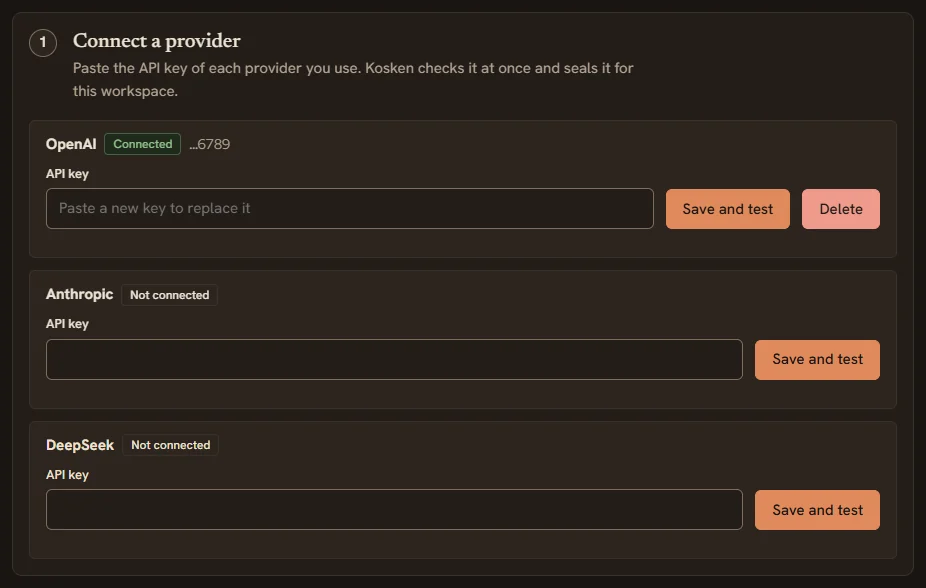
- Click your name at the top right, then click Settings.
- Click the LLM tab.
- In Connect a provider, find OpenAI, Anthropic or DeepSeek.
- Paste the key of that provider in API key.
- Click Save and test.
Kosken tests the key with the provider at once. A key that fails the test is not stored, and the app shows The LLM key is not valid. A good key shows Connected and its last four characters. Kosken seals the key for this workspace and never shows it again.
- To replace a key, paste the new key and click Save and test.
- To remove a key, click Delete. Model calls of that provider fail after that.
- If the provider rejects a stored key later, the provider shows Key rejected. Paste a new key.
You can connect more than one provider. Then each role can use a model of a different provider.
Choose the models
After a key is saved, Kosken reads the list of models from the provider with your key. Step 2, Choose the models, shows the list with these columns: Use, Model, Source, Limits and Reasoning effort.
- To switch a model on, click Off in the Use column. The button changes to On.
- To switch a model off, click On. You cannot switch off a model that a role uses. Choose another model for that role first.
- If a model is not in the list, type its id from the documentation of the provider in Add a model by id, then click Add.
- To read the list of the provider again, click Refresh list.
The Limits column shows the input and output tokens of each model. The Reasoning effort column shows the effort levels that the model accepts.
Assign a model to each role
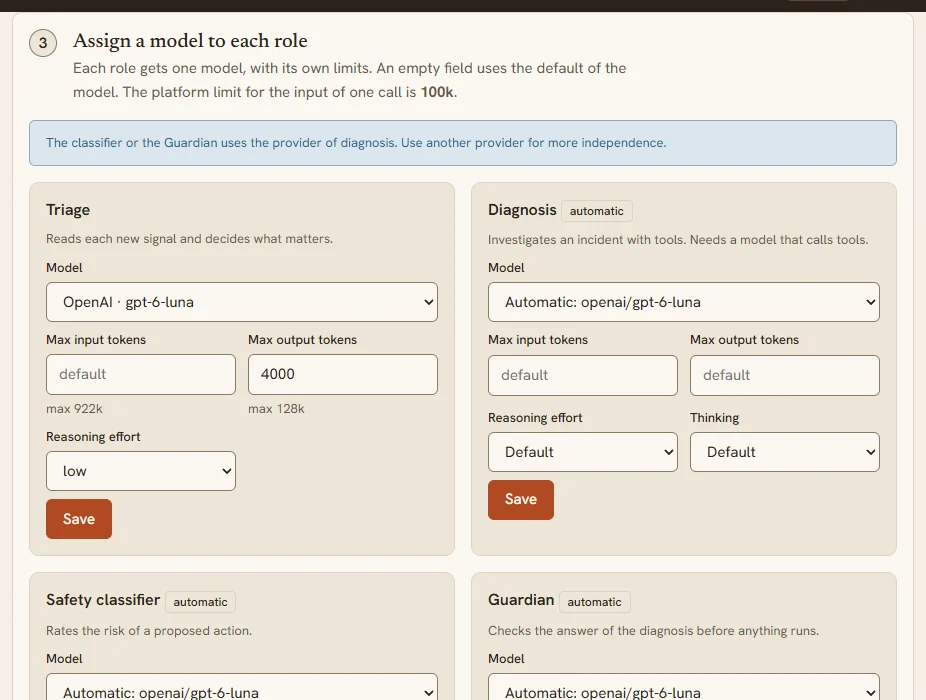
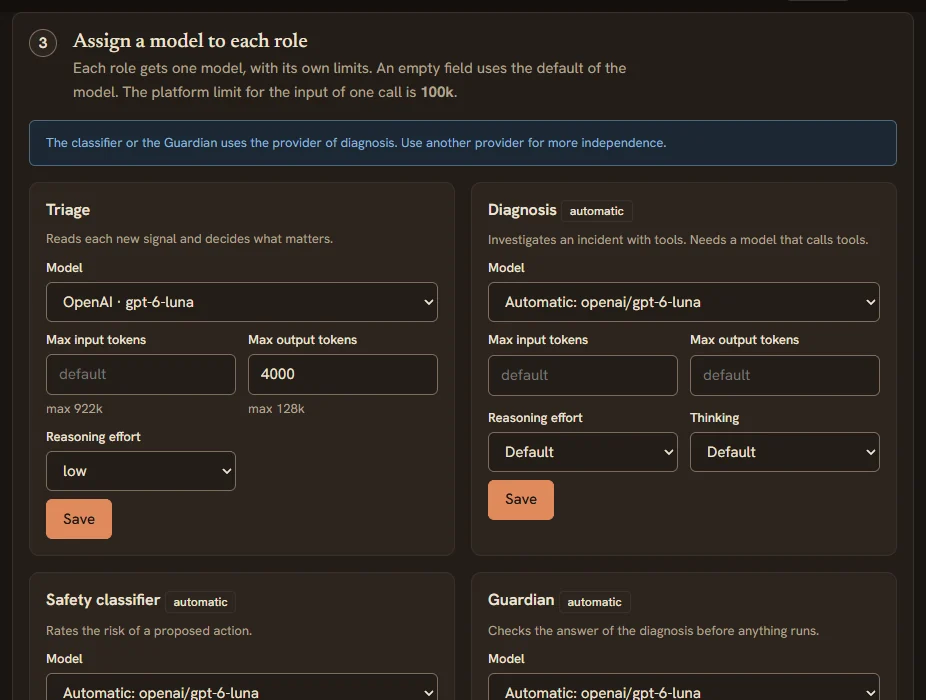
Each stage of an incident and each agent of the chat has its own role. Step 3, Assign a model to each role, lists the roles. The role list only offers the models that are On in step 2.
| Role | What it does |
|---|---|
| Triage | Reads each new signal and decides what matters. |
| Diagnosis | Investigates an incident with tools. It needs a model that calls tools. |
| Safety classifier | Rates the risk of a proposed action. It is gate 5, and it never reads the diagnosis. |
| Guardian | Checks the answer of the diagnosis before anything runs. It can raise the risk, never lower it. |
| Embeddings | Makes vectors for the memory search. Only embedding models. |
| Chat: lead agent, Chat: diagnostician, Chat: historian | The agents of Ask Kosken. They use the Diagnosis model until you choose another. |
| Chat: triage | Sorts a request in the chat. It uses the Triage model until you choose another. |
| Chat: reviewer | Rates the risk of a recipe in the chat. It uses the Guardian model until you choose another. |
A role that you did not set shows the badge automatic: Kosken uses a model that it picked from your connected providers, and the field shows its name after Automatic:.
To set a role:
- Choose a Model.
- Optional: type Max input tokens and Max output tokens. An empty field uses the default of the model. The step also shows the platform limit for the input of one call.
- Optional: choose a Reasoning effort and Thinking (On, Off or Adaptive). Default uses the default of the model.
- Click Save in that role.
A role with the badge needs attention uses a model or a key that does not work now. Choose another model or fix the key.
When the Safety classifier or the Guardian uses the same provider as Diagnosis, the page says so. Use another provider for more independence between the stage that proposes and the stages that check.
See the token use
The Usage tab of Settings shows the use of the models in this workspace for Today, 7 days or 30 days:
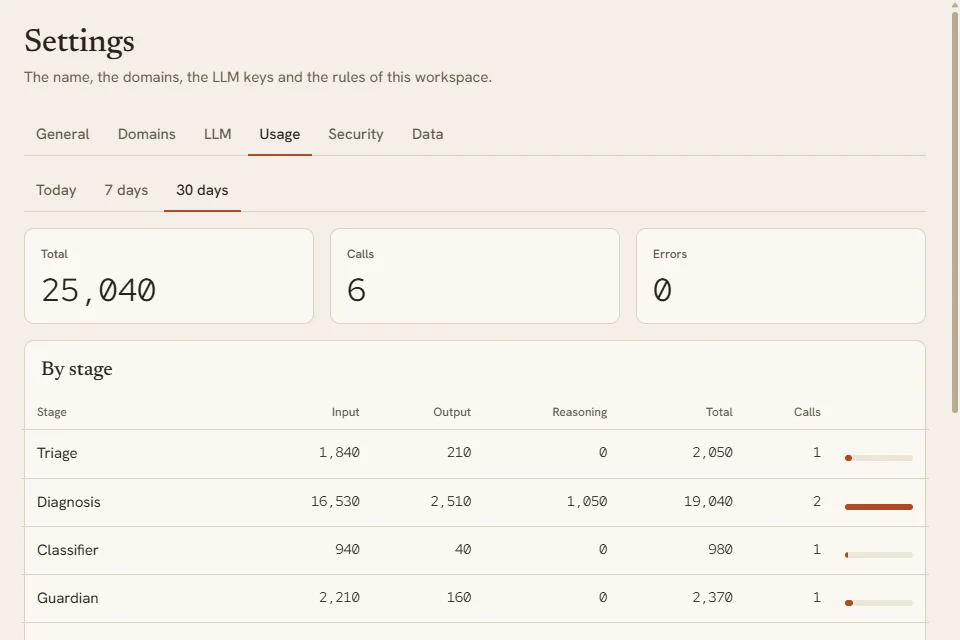
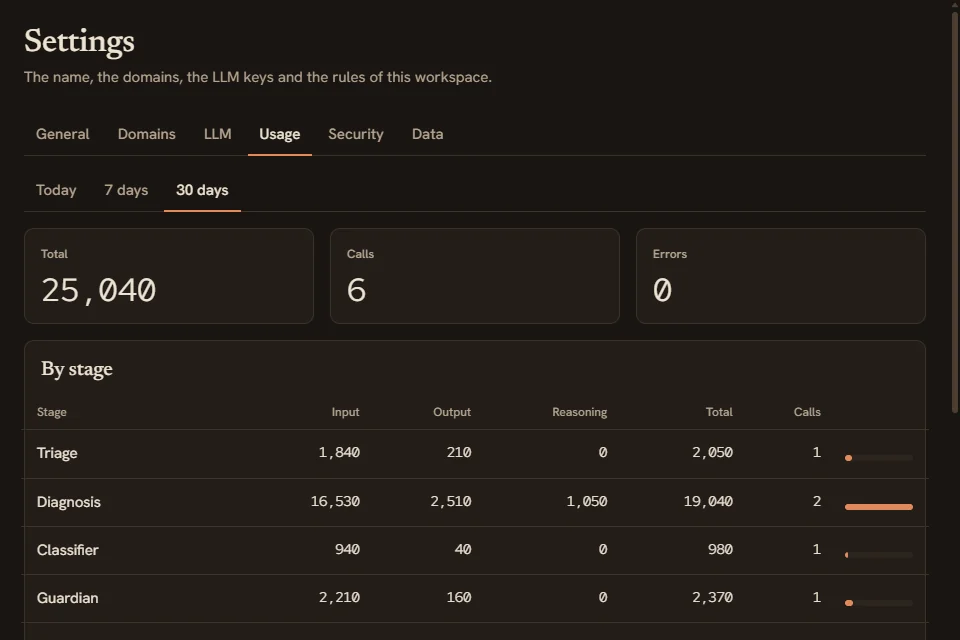
- Total tokens, Calls and Errors.
- Tables By stage, By model, By provider, By role and By day.
The total is input plus output. Reasoning tokens are part of the output. Kosken stores counts only, never the text of a call. Your provider bills you for the tokens.
What leaves your workspace
The endpoints for model calls are fixed in code, and context is redacted before it leaves. See the whitepaper and How Kosken keeps a machine safe.
Something here does not match the app? Tell us