 Kosken
Memory
What Kosken keeps from past incidents on each machine, how to read it, and how to mark an entry wrong or delete it.
On this page
After you read this guide, you can read what Kosken learned from past incidents, and stop or delete an entry that is wrong.
What Kosken keeps
When an incident ends, Kosken can write a memory entry for the machine of the incident. An entry holds a short summary of the cause, the category of the problem, the recipe of the fix and the outcome. It also keeps the text of comments that people wrote on the incident, with no author.
Kosken writes an entry in these cases:
- The incident was resolved.
- The machine is in audit mode and the incident closed with a diagnosis. The outcome is Observed in audit, no fix applied.
- The signals cleared alone, or the incident failed, and a person wrote a comment on it.
An entry belongs to one machine and guides only that machine. When the same problem comes back on the same machine, Kosken updates the entry and raises its count. It does not make a second entry. An entry with a proven fix is not replaced by an observed one.
The diagnosis of a new incident on the machine reads its active entries. In Ask, the agent and the Historian search them too.
Read the list
In the sidebar, under Knowledge, select Memory. Any member can open the page. It shows the 100 entries that were seen last.
- Machine
- The machine of the entry. Not assigned means that the entry has no machine.
- Summary
- The summary of the cause. Below it are the category and the recipe of the fix.
- Seen
- How many incidents the entry counts, and the time of the last one.
- Outcome
- Fixed, Fixed after rollback, Fixed by a person or Observed in audit, no fix applied.
- State
active: the entry guides the machine.wrong: a person marked it wrong, and no prompt reads it.
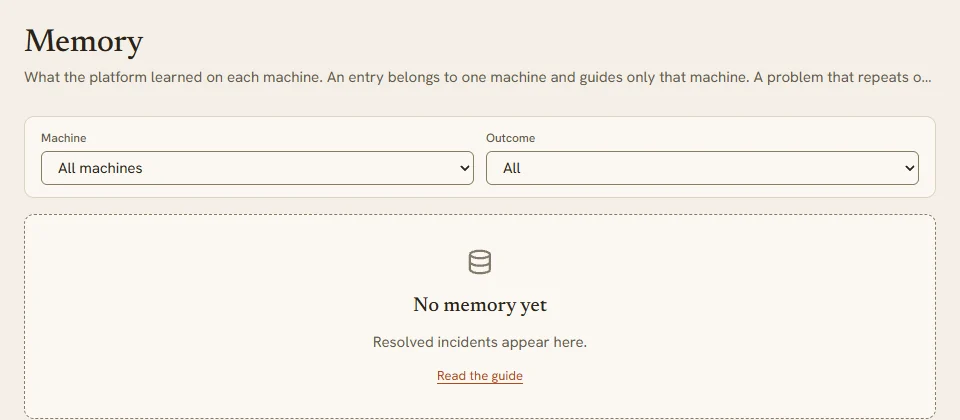
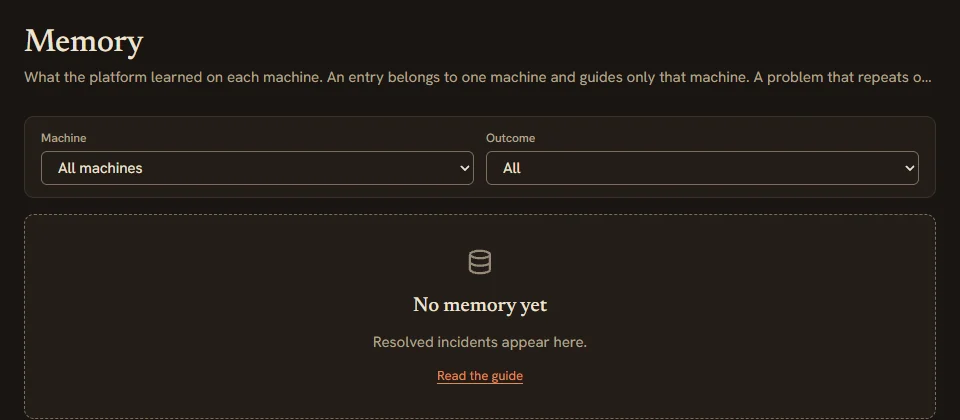
To filter the list, choose a machine in Machine or an outcome in Outcome. The list changes at once.
When no incident has ended yet, the page shows No memory yet.
Correct an entry
The best correction is the review of the incident. When you give the real cause, Kosken writes it into the entry, and a cause that a person gave wins over the model. When you say that the cause was wrong and give no real cause, Kosken stops the entry. When you say that the fix was wrong, Kosken writes that into the entry, so the model does not repeat the fix. See Review an incident.
On the Memory page, a member with write access can also act on an entry:
- Mark wrong: Kosken keeps the entry, but the state changes to
wrongand no prompt reads it again. - Delete: Kosken removes the entry. Confirm the question Delete this item?. You cannot undo it.
Members with read-only access see the list but not these buttons. Each change goes into the audit log.
Something here does not match the app? Tell us