 Kosken
Playbooks: fixed rules before the model
Playbooks run fixed rules before the model on an incident. Read a verdict, see why a false positive closed alone, and turn playbooks on or off.
On this page
After you read this guide, you can read the verdict of a playbook on an incident, find the rules that gave it, and turn the playbooks on or off.
What a playbook does
A playbook is a set of fixed rules for one family of problems, for example a high load average. Kosken runs it before the model, every time, in the same order. A playbook does these things:
- It reads values from the facts, the metrics, the work of the platform and the monitor that opened the incident.
- It calculates derived values, for example the load for each CPU.
- It runs read-only checks. Their output goes to the evidence of the incident.
- It applies its rules in order. The first rule that matches gives the verdict.
A playbook never changes a machine. It runs only read-only recipes. Playbooks are part of Kosken. A workspace cannot write its own.
Verdicts
| Verdict | Meaning | What happens next |
|---|---|---|
| False positive | The machine is in a normal state. The monitor fired because its limit does not fit the machine. | The investigation ends, unless the rule says that the model continues. |
| Expected activity | Work of the platform, such as a backup or a task, or planned work in a maintenance window, explains the signal. | The investigation ends. |
| Confirmed | The problem is real. The rule can name its kind, for example cpu_saturation. | The model continues and gets the verdict as a fact. |
| Unknown | No rule matched. | The model investigates. |
A rule that reads a value with no data does not match. So a missing fact or metric never gives a verdict.
A false positive that closes alone
Example: a load monitor on web-01 fires at a load of 9 on 24 CPUs, and the CPUs are 95% idle. The playbook High load average divides the load by the CPUs, sees that the CPUs are not busy, and gives False positive.
When a verdict ends the investigation:
- No model runs, and no tokens are used.
- The incident closes as Not a problem. On a machine in audit mode, it closes as Classified (audit mode).
- The root cause report shows the verdict at the top, with No model call. The text of the rule is the cause, and the suggestion of the rule becomes a follow-up. See The root cause report.
If the verdict is wrong, change the monitor, or reopen the incident. See Actions you can take.
A verdict never ends the investigation in these cases:
- A person opened the incident by hand.
- Triage picked the playbook by its category, because no playbook fits the monitor kind. Triage already asked for a diagnosis.
- The setting A false positive or work of the platform ends the investigation is off.
Read a verdict on an incident
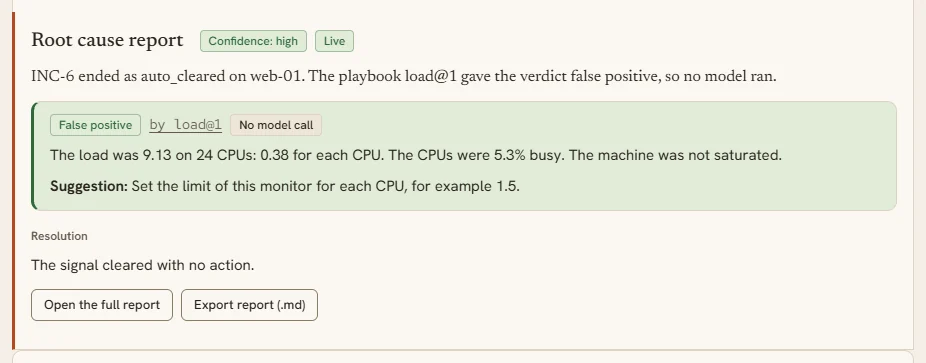
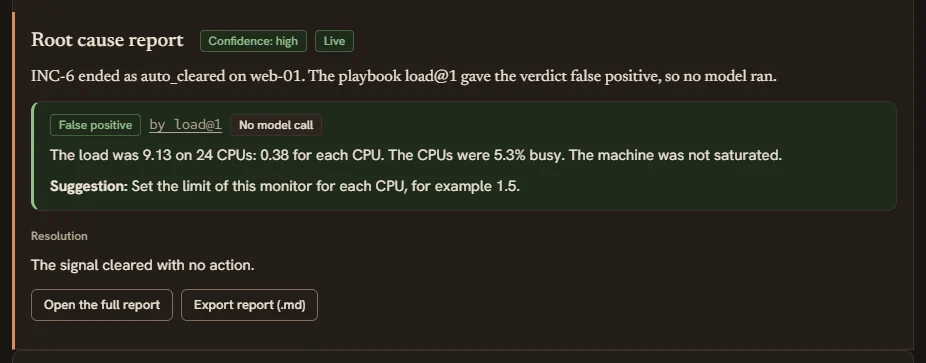
- Open the incident.
- In Timeline or Evidence, find the Playbook entry.
The entry shows the name and the version of the playbook, the verdict, the text of the rule and its Suggestion. Open the values line, for example 9 values · rule idle_cpus, to see each value with its Source. A value with no data did not count. Checks that ran lists the read-only recipes of the playbook.
Find the playbooks
- In the sidebar, select Recipes.
- In the list of categories, select Playbooks.
The list shows each playbook with its Monitor kinds, Triage categories, Rules and Checks.
| Playbook | Monitor kinds |
|---|---|
| High load average | load, cpu |
| Disk space | disk |
| Memory use | memory |
| Service down | service, units |
| Certificate expiry | cert |
| URL or port down | url, port |
| Container down or restarting | docker |
| Log pattern | log |
A monitor of the kind command has no playbook. Its check can be any read-only recipe, so a fixed rule cannot know what its value means.
The page of a playbook
Select a playbook to open its page. The page shows:
- Version, the number of Rules and Checks, and the State in this workspace: Runs or Off in this workspace.
- Rules, in order: for each rule, its condition, its verdict, its text and its suggestion. Ends the investigation or The model continues says what the rule does after it matches.
- Inputs: each value and its source. Derived values: each value and its Formula.
- When it runs: the monitor kinds and the triage categories that pick the playbook. The kind of the monitor that opened the incident picks the playbook first. Else the category of triage picks it.
- Checks: the read-only recipes that run every time.
Turn playbooks on or off
Only an owner can change these settings. Other members see them as read only.
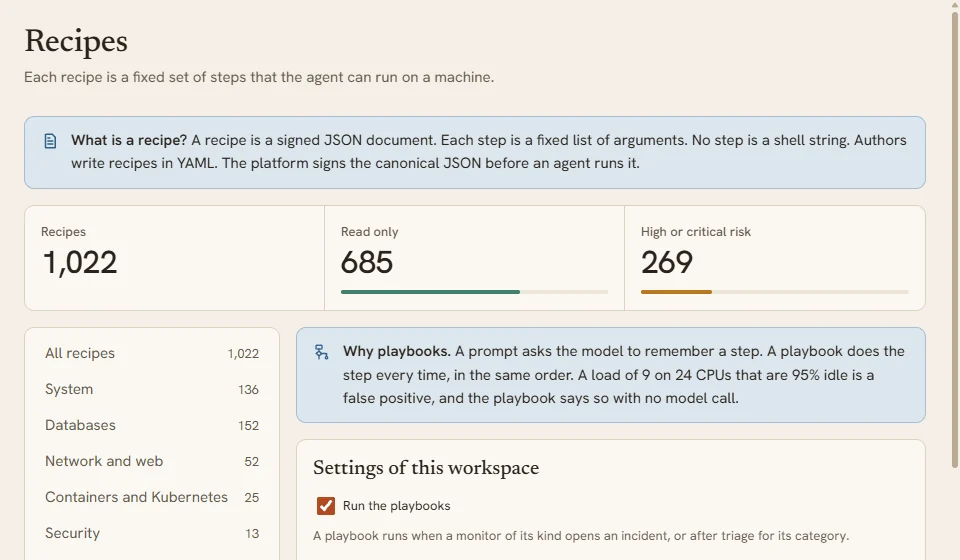
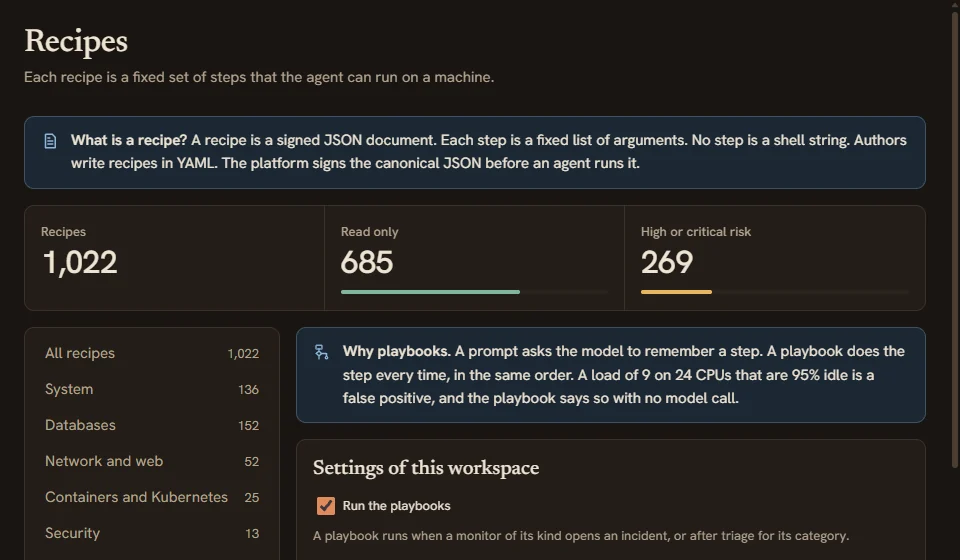
- Open Recipes, then Playbooks.
- In Settings of this workspace, set the two boxes:
- Run the playbooks: with this off, no playbook runs.
- A false positive or work of the platform ends the investigation: with this off, the model always runs and gets the verdict as a fact.
- Select Save.
Both settings are on in a new workspace. The audit log records each change.
Something here does not match the app? Tell us