 Kosken
Workloads
See the Docker containers, Proxmox LXC containers and virtual machines, and Kubernetes pods of your machines, and set how often Kosken reads them.
On this page
This guide shows how to see what runs on your machines, and how to set how often Kosken reads the list.
What the page shows
Workloads shows in the sidebar when Kosken finds Docker, Proxmox or Kubernetes on a machine. Kosken reads three sources:
| Source | What Kosken lists | How it reads |
|---|---|---|
| Docker | Each container, running or not. | docker ps -a |
| Proxmox | Each LXC container and virtual machine of the Proxmox cluster. | pvesh get /cluster/resources |
| Kubernetes | Each pod in all namespaces. | kubectl get pods -A |
Each read is a read-only recipe that Kosken sends to the machine as an order. Kosken reads only machines that are online. The list is a stored copy: the page shows how old each read is.
Read the page
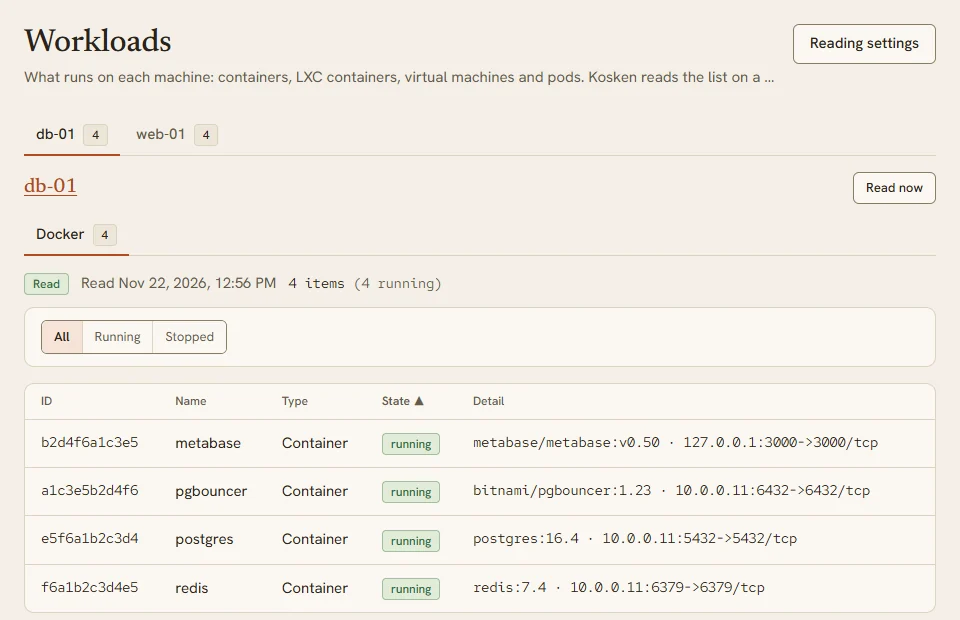
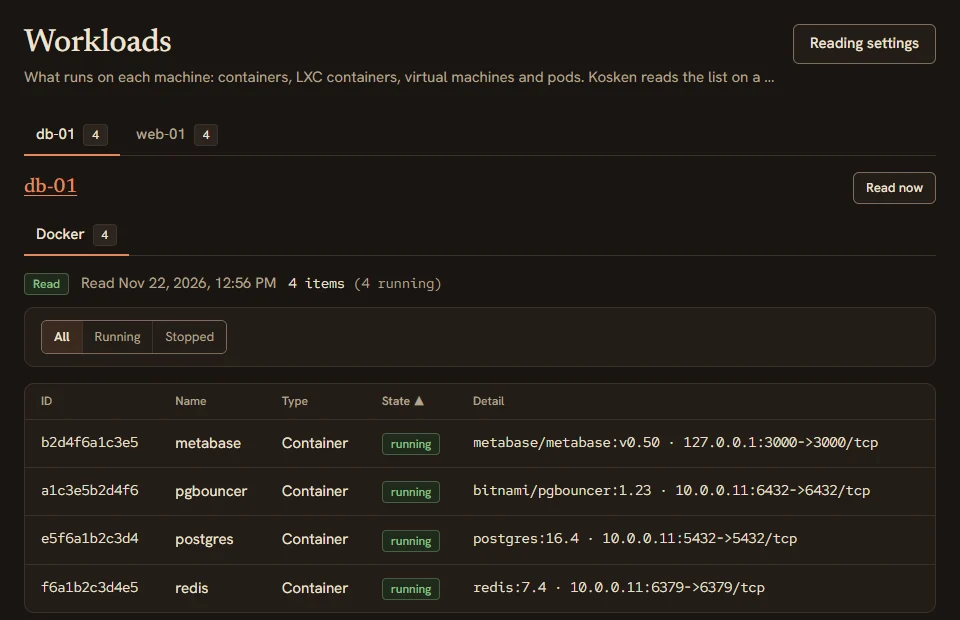
- Select Workloads in the sidebar.
- Select a machine in the first row of tabs. The number is the count of items. A red ! means that the last read of a source failed.
- Select a source in the second row of tabs.
- To narrow the list, select All, Running or Stopped.
- To sort, select a column header: ID, Name, Type, State or Detail. Select it again to reverse the order.
The line above the table shows the state of the source:
- Read: the last read worked. The time and the count of items, and how many run, follow.
- The last read failed, with the error. The page keeps the last good list and its time.
- Permission needed. Run on the host: and a command. See Give the executor a permission.
Detail shows the image and the ports of a container, the node of a pod, and the ID, CPUs and memory of a Proxmox guest. The table shows at most 500 rows. Use the filter when a machine has more. Kosken keeps at most 2,000 items for each machine.
Set how often Kosken reads
By default, Kosken reads each source every 5 minutes. You need write access to change it.
- Select Reading settings.
- Keep Read what runs on the machines checked.
- In Time between reads, choose a time from 30 seconds to 24 hours. A short time shows changes sooner and sends more commands.
- Select Save.
The setting applies to all machines of the workspace. When you clear Read what runs on the machines, Kosken stops reading, and the page shows the last data. After a failed read, Kosken tries again after 2 minutes.
Read now
Select Read now next to the name of the machine (write access). Kosken reads the sources of that machine within about one minute.
Give the executor a permission
The executor needs a permission to read Proxmox and Kubernetes. When it is missing, the page shows the command to run as root on that machine, for example:
sudo kosken-agent enable proxmoxIf the shell does not find kosken-agent, use the full path:
sudo /usr/local/lib/kosken/current/kosken-agent enable proxmoxThe command writes a drop-in file for kosken-exec and restarts the executor. Only a person with root on the machine can give this permission. Kosken cannot do it.
For Kubernetes, the permission is network. The executor uses the first of these credential files that exists: /etc/kosken/kubeconfig, /etc/kubernetes/admin.conf, /etc/rancher/k3s/k3s.yaml, /var/snap/microk8s/current/credentials/client.config. Root must own the file, and no group or other user may write it.
Something here does not match the app? Tell us