 Kosken
Recipes: the signed steps that Kosken can run
Find a recipe in the catalog and read its steps, parameters, risk, dry run, verify step, rollback and signature.
After you read this guide, you can find a recipe and read exactly what it runs on a machine.
What a recipe is
A recipe is a signed set of fixed steps, for example start a container. Each step is a fixed list of arguments. No step is a shell string. The model can select a recipe and fill its parameters. It cannot write a new step.
The catalog is closed: Kosken writes and signs every recipe. The executor on the machine checks the signature of the order and of the recipe before it runs anything. See the whitepaper.
Find a recipe
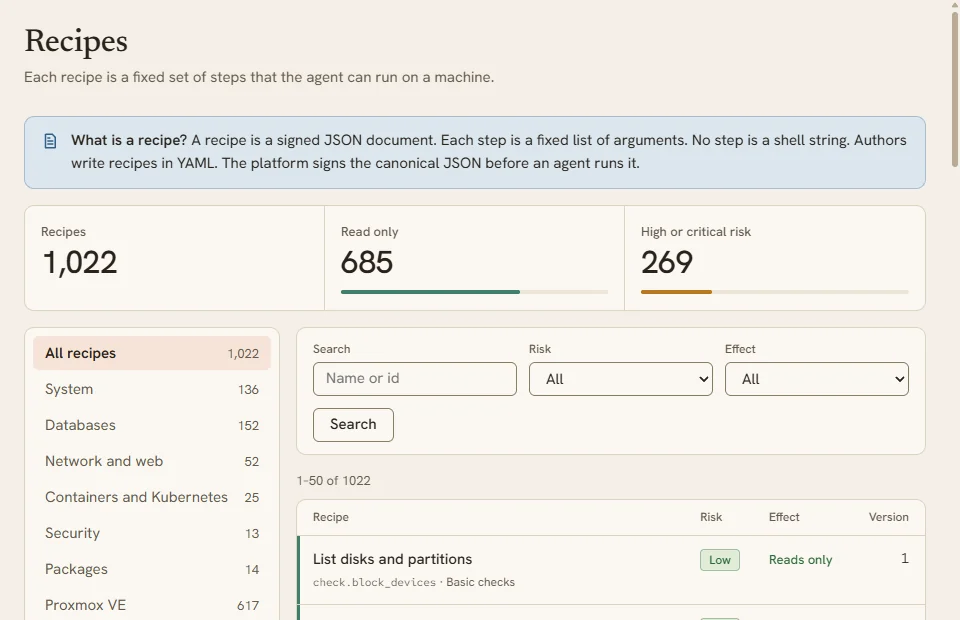
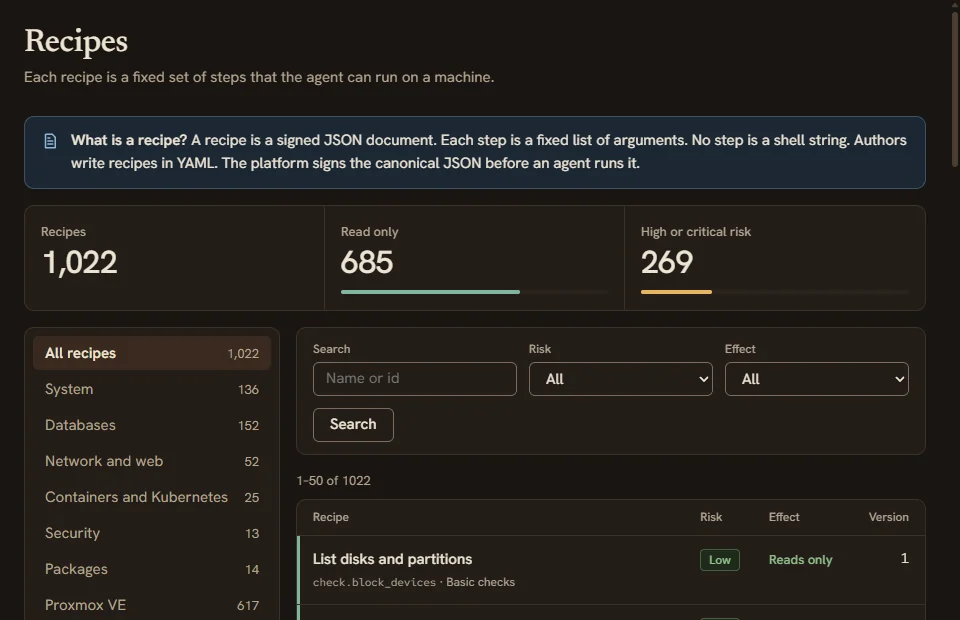
- In the sidebar, select Recipes.
- Select a category at the left, for example System or Containers and Kubernetes. All recipes shows every category.
- Optional: in a category, select a family chip, for example Docker.
- Optional: type a name or an ID in Search.
- Optional: select a Risk, and an Effect: Reads only or Changes the machine.
- Select Search.
The top of the page counts the Recipes, the Read only recipes and the recipes of High or critical risk. Each row shows the title, the ID, the risk, the effect and the Version. Deprecated marks a recipe that Kosken no longer offers to the model. Clear the filters shows the full catalog again.
The last entry of the categories is Playbooks. See Playbooks.
The page of a recipe
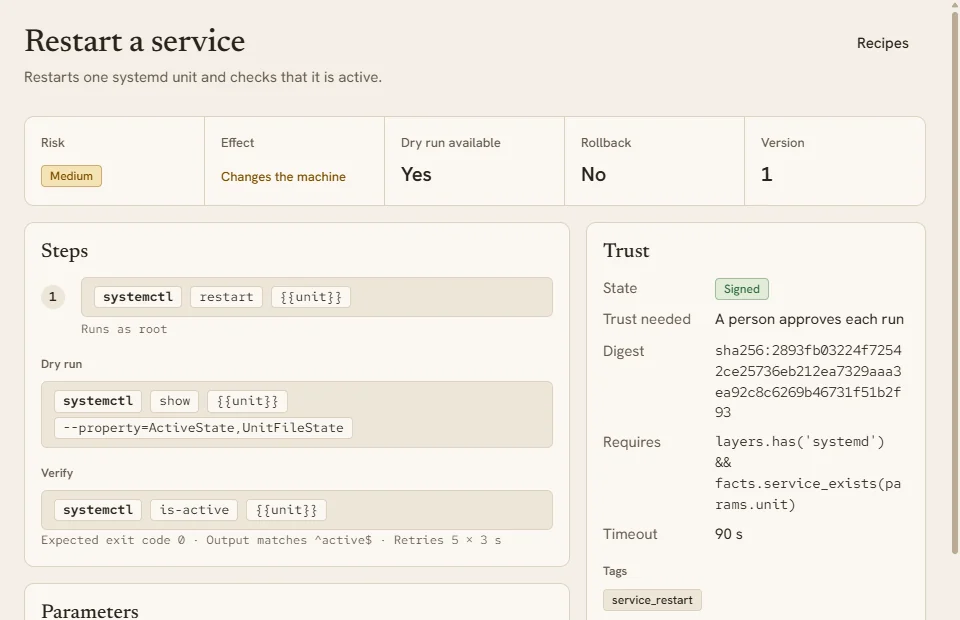
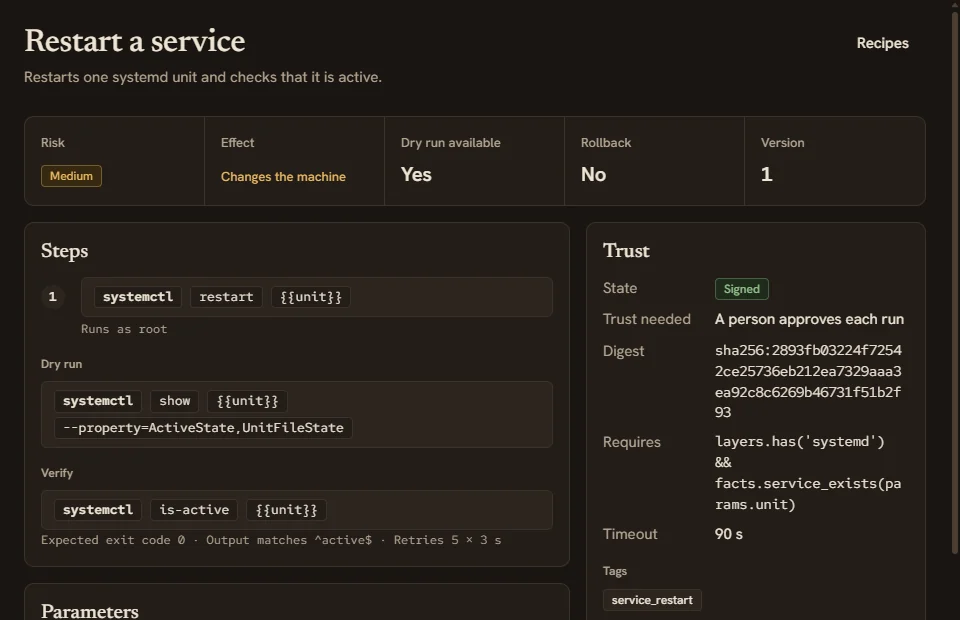
The top of the page shows the Risk, the Effect, whether a dry run exists (Dry run available), whether a Rollback exists, and the Version.
Risk
Each recipe has a risk: Low, Medium, High or Critical. During an incident, the Guardian can raise the risk of a proposal. It cannot lower it.
Steps
Steps lists each command with its arguments, the user it Runs as, and its time limit in seconds. A token in braces is a parameter. It takes the value that the model filled.
Dry run
Dry run shows the command that shows what the recipe would do, without a change. An approver can choose Approve preview only to run only this command. See Approvals.
Verify
Verify is the command that checks the result after a live run. The line below it gives the Expected exit code, the text that the Output matches, and the Retries with the time between them. When the verify step fails, Kosken runs the rollback once, when the recipe has one.
Rollback
Rollback lists the steps that undo the change.
Parameters
Parameters lists each value that the model fills: its Name, its Type, whether it is Required, and the Allowed values: a list, a pattern, a range or a maximum duration. Default shows the value used when the model gives none. Kosken refuses a value outside these limits.
Source
Open Source to read the canonical JSON that the signature covers. It is exactly what runs.
Signature and trust
The Trust card shows:
- State
- Signed for a recipe of the published catalog.
- Trust needed
- A person approves each run, None, or a note that an automatic rule covers some or all of its changes.
- Digest
- The hash of the signed recipe. The executor checks it before it runs the recipe.
- Requires
- The precondition on the facts of the machine, for example a distribution. The executor checks it again on the machine before it runs.
- Timeout
- The longest time that the whole recipe can run.
- Tags
- Labels of the recipe. The tag
mitigationmarks a recipe that stops the harm and does not fix the cause. A person always decides on it. - Redacted patterns
- Patterns that Kosken removes from the output, for example passwords and tokens.
A recipe that changes the machine and is not critical also shows Automatic changes. An owner can let the recipe run without approval here. See Automation for trust and automatic rules.
Read-only recipes
A recipe marked Reads only does not change the machine. The diagnosis, the playbooks and the read-only check of a manual incident use these recipes. They do not need an approval.
Something here does not match the app? Tell us