 Kosken
Maintenance windows
Plan a change in a time window: silence the signals of the machines and send the plan to the agent at the start.
On this page
After you read this guide, you can plan a maintenance window, keep its machines from opening incidents during the work, and give the agent the plan at the start.
Plan a maintenance
You need write access.
- Open Maintenance in the sidebar.
- Click Plan maintenance. You can also click + on a future day of the calendar to start on that date.
- In the tab General, type a Title, for example
Kernel upgrade, and choose the Machines, for exampleweb-01anddb-01. - In the tab Window, set Starts, Ends and the Timezone.
- Keep Silence signals checked if the machines must open no incidents during the window.
- In the tab Plan, write what to do, in your words, for example
Install htop on web-01 and check that it runs. - Keep Send the plan to the agent checked if the agent must do the work.
- Click Save.
Rules of the form:
- From 1 to 50 machines.
- The start is in the future. The end comes after the start. A window lasts at most 24 hours.
- The title has up to 120 characters. The plan has up to 4000 characters.
- When Send the plan to the agent is checked, the plan is required.
Silenced signals
With Silence signals, Kosken makes a window of the kind Maintenance for the same machines and the same times. It shows in Signals, in the tab Maintenance and silence windows, with the name Maintenance: and the title.
- During the window, a signal of these machines is recorded and marked Silenced. It opens no incident.
- When the window ends, Kosken looks again at the signals that are still firing. A signal that is still firing can then open an incident.
- An edit of the maintenance changes the window. A cancel or a delete removes it.
For signals and other windows, see Signals.
The plan sent to the agent
With Send the plan to the agent, the agent gets the plan in a chat at the start of the window. The chat runs as the person who planned the maintenance, with the access that this person has at that time. The message has the title, the machines, the window and the plan.
The agent reads the plan, checks the machines and asks for each change. Each change is a request that a person approves, on the Approvals page or from a chat channel. The agent cannot skip an approval because a maintenance runs.
After the start, the page of the maintenance shows Open the chat. Open it to follow the work and to answer the agent. See Ask Kosken.
When the box is not checked, the plan is only a note. The agent does not get it.
States
| State | Meaning |
|---|---|
| Scheduled | The window has not started. |
| In progress | The window started. With the boxes checked, signals are silenced and the plan went to the agent. |
| Done | The window ended. |
| Cancelled | A person cancelled it. |
Change, cancel or delete
Open the maintenance from the calendar or from the list This month.
- Edit: only while the state is Scheduled.
- Cancel maintenance: while the state is Scheduled or In progress. The signals of the machines are no longer silenced.
- Delete: in any state except In progress. Cancel a running maintenance first.
The calendar
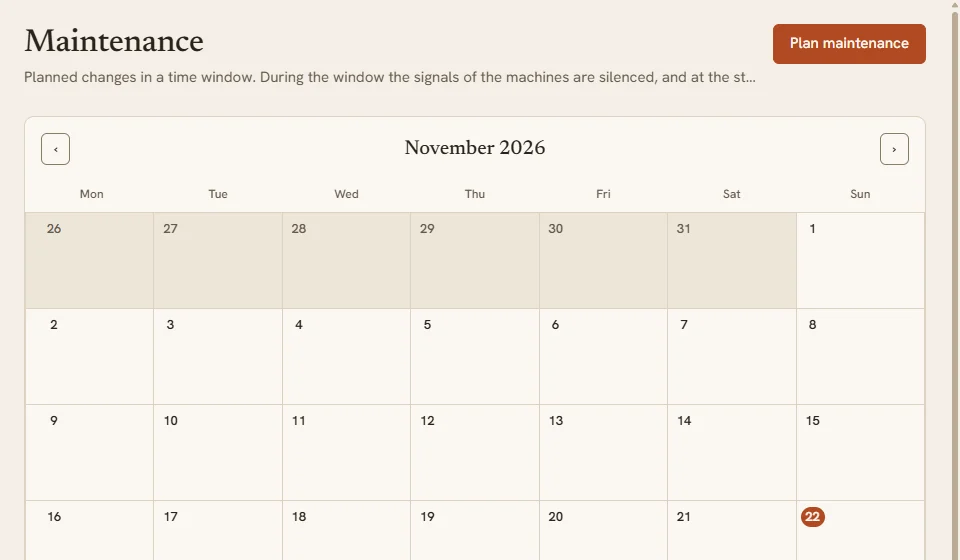
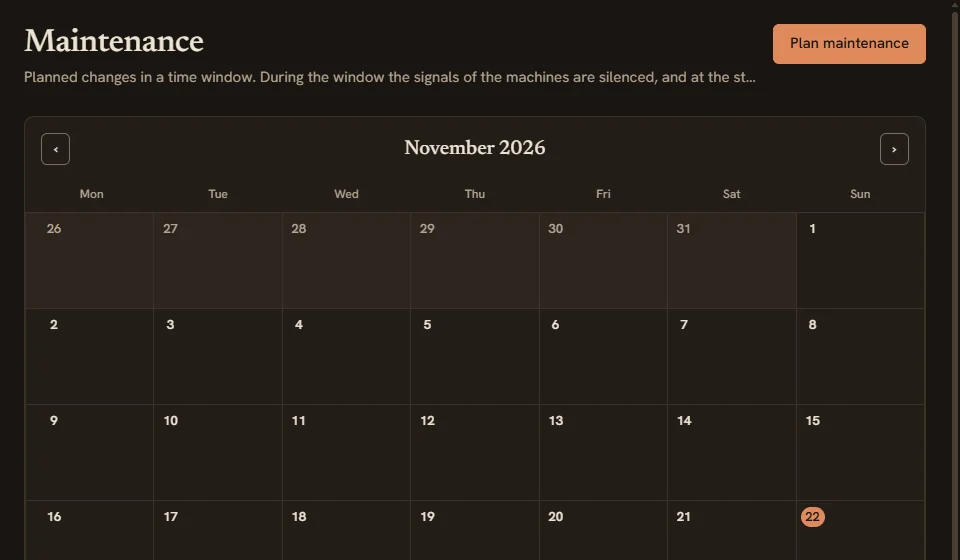
The page shows a month. Each day lists the maintenance windows that touch it, with the start time and the title. The arrows move to the month before and after. The list This month below the grid shows the title, machines, start, end, Silence signals and the state of each maintenance.
A restore of a backup also covers its machine with a maintenance window. See Backups.
Something here does not match the app? Tell us